

Run the Year-End Close
As an admin, you will run the year-end close — preview the official closing journal entry, post it to zero out the year's profit-and-loss accounts and book the net result to equity, then roll that result into retained earnings and (after audit) permanently lock the fiscal year.
What you'll accomplish
As an Admin, you will run the year-end close — preview the official closing journal entry, post it to zero out the year's profit-and-loss accounts and book the net result to equity, then roll that result into retained earnings and (after audit) permanently lock the fiscal year.
Before you start
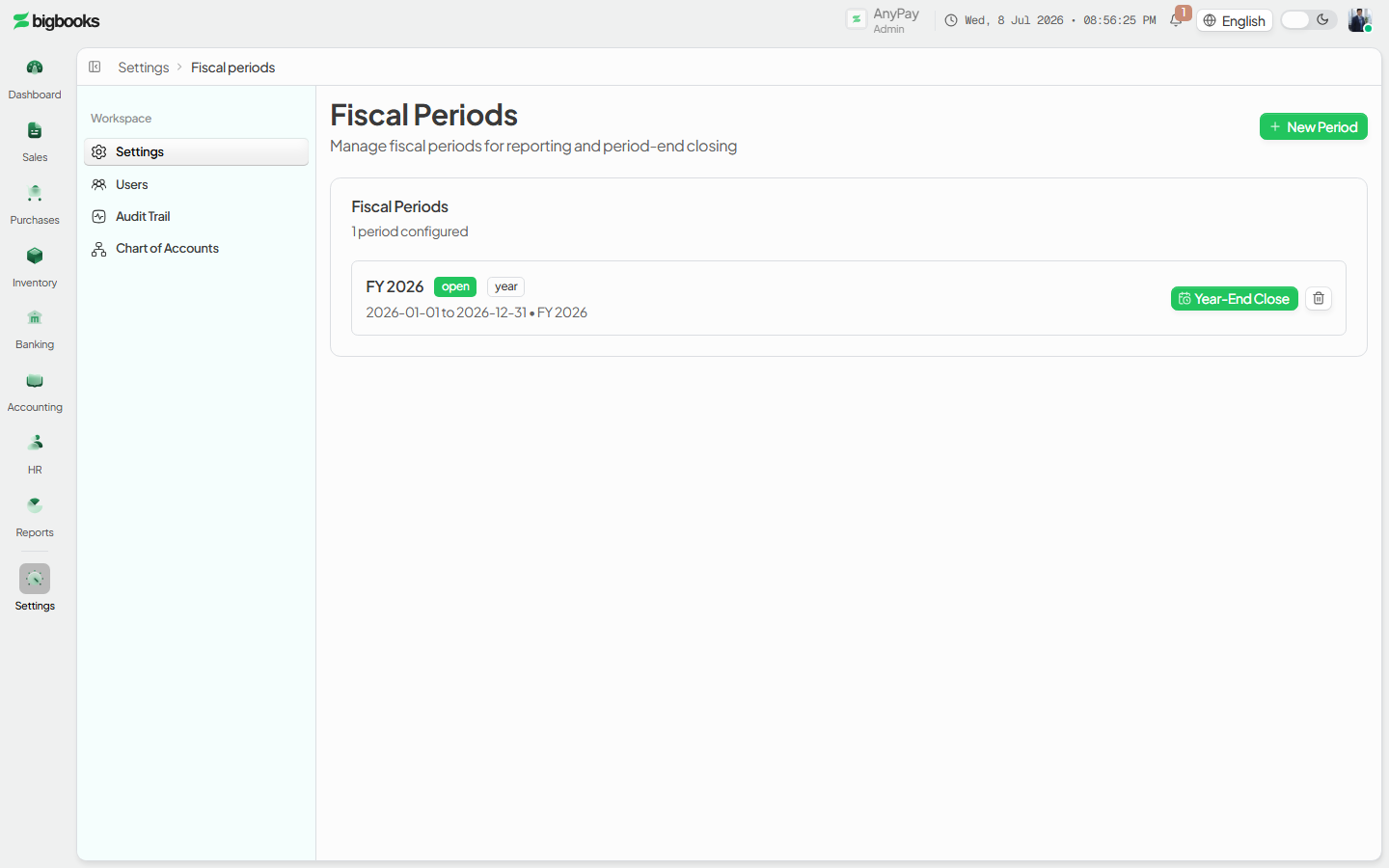
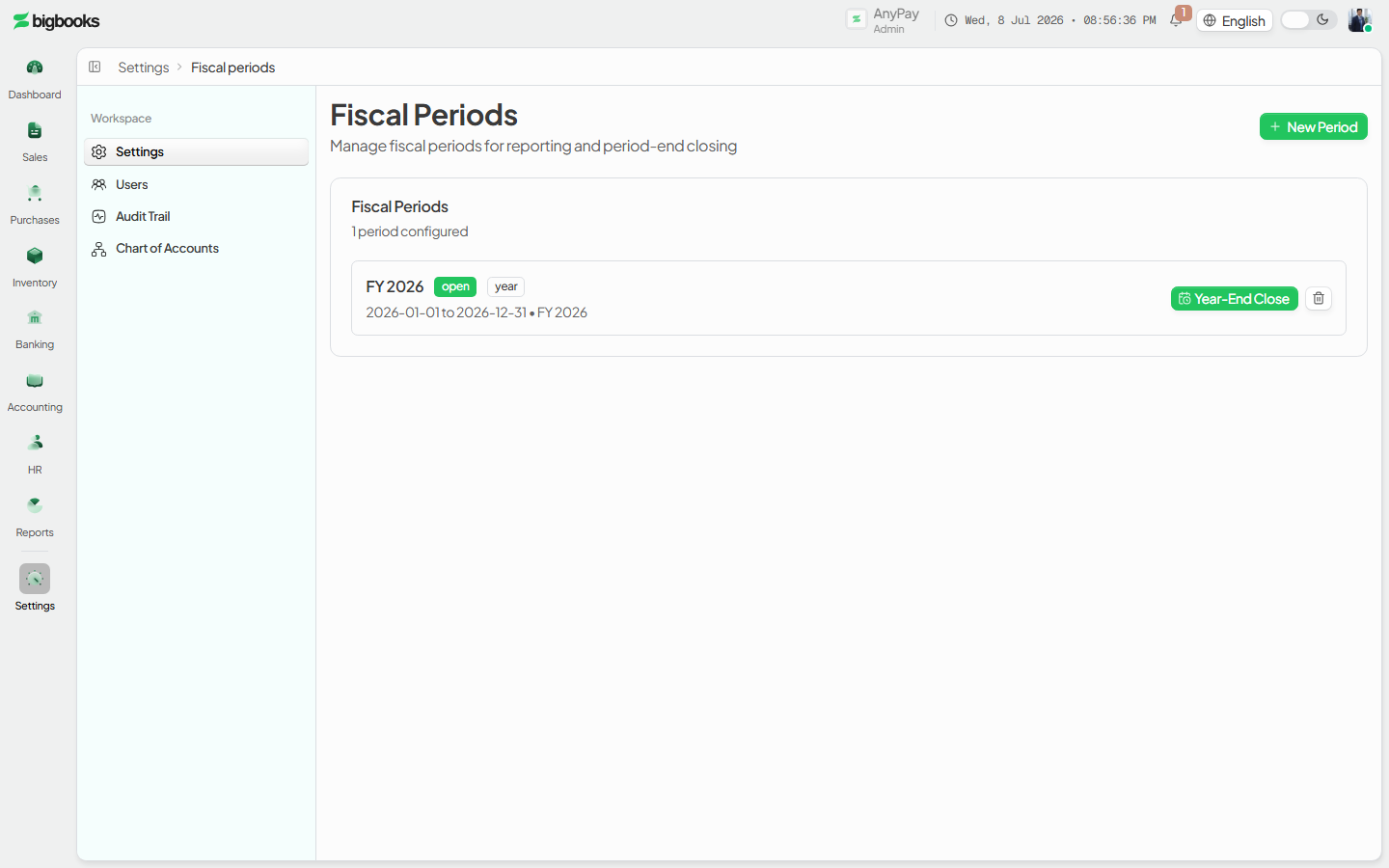
The year-end close is a dedicated wizard at /[lang]/settings/fiscal-periods/year-end-close?year=YYYY. You reach it from the Year-End Close button on an annual (year-type) period in /[lang]/settings/fiscal-periods. You need the canCloseYear permission to post the closing entry, and the admin role for the reopen and permanent-lock steps.
Two preconditions must hold before the year can close:
- All monthly and quarterly sub-periods for that year must be closed. Finish the month close on every sub-period first.
- No unconfirmed (draft) journal entries should remain in the year — the preview warns you to confirm or cancel them.
The closing entry is computed and posted per currency (LAK, USD, THB). A multi-currency company runs the close once for each currency it has activity in. All amounts are stored as integer satang and displayed with formatCurrencyFromCents.
Compliance Note
The year-end close writes a real, balanced closing journal entry (ການປິດບັນຊີ) — unlike a month close, which is only a status change. The preview is read-only; nothing is written until you press Post Closing Entry.
Steps
Open the year-end close for the fiscal year
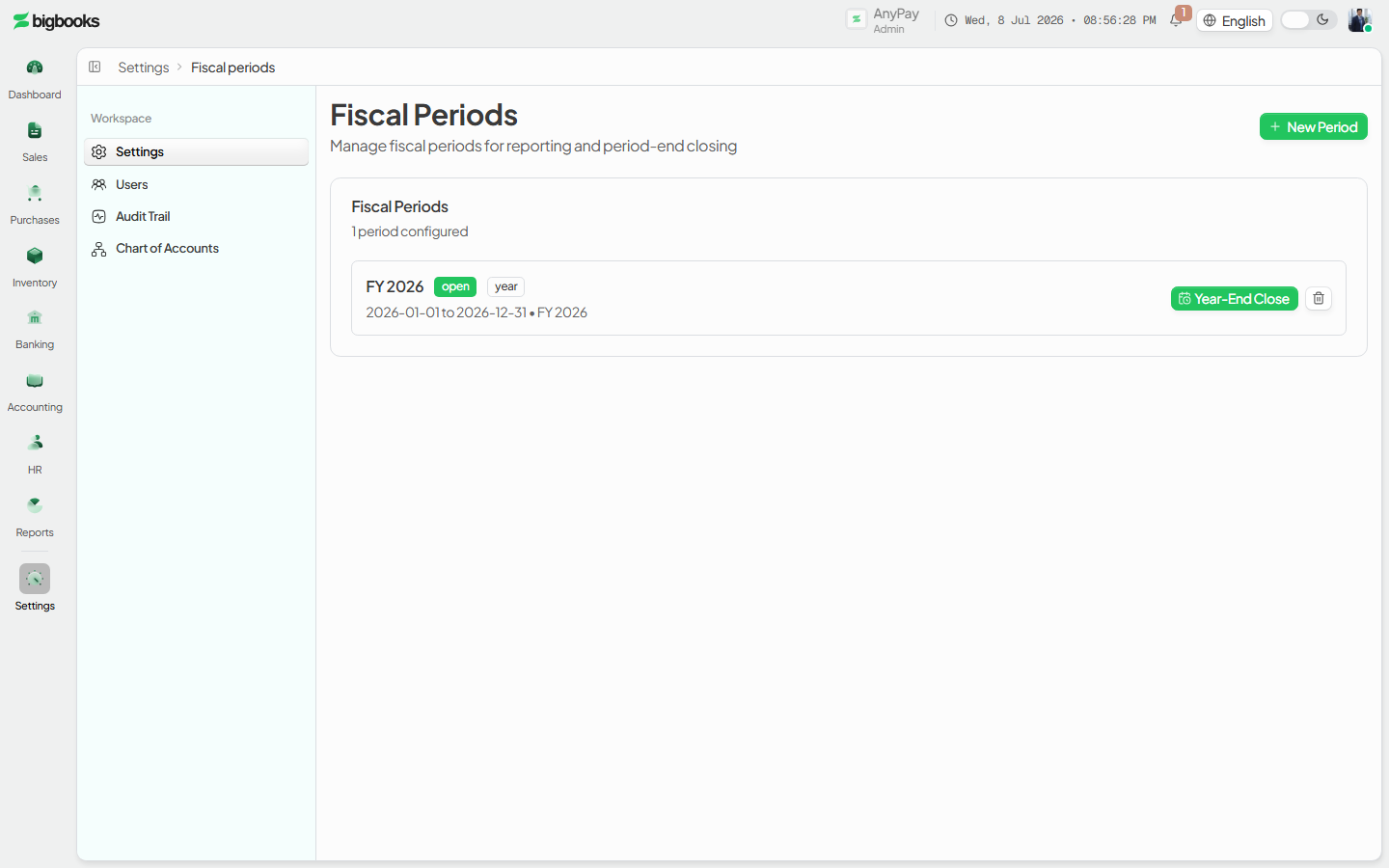
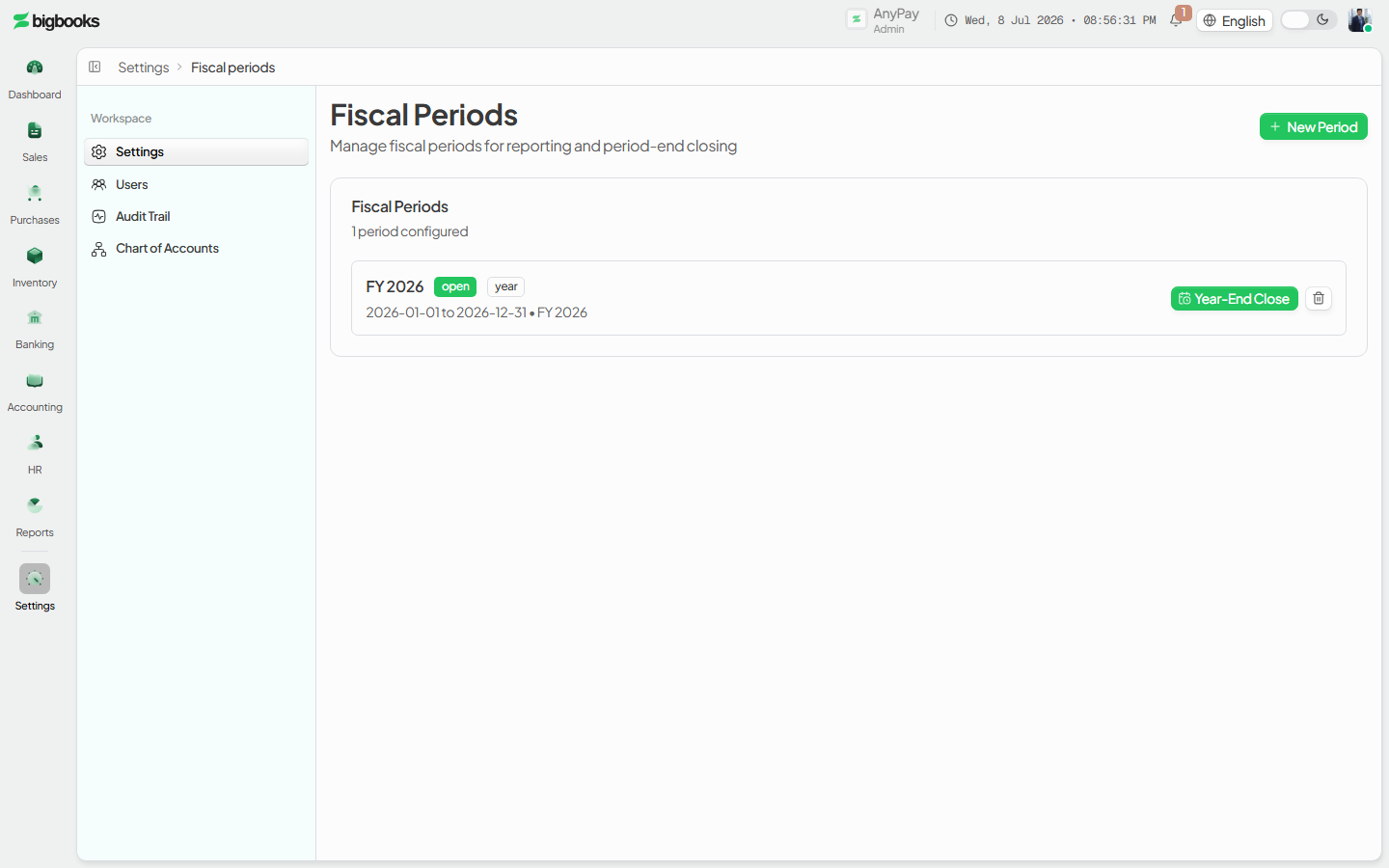
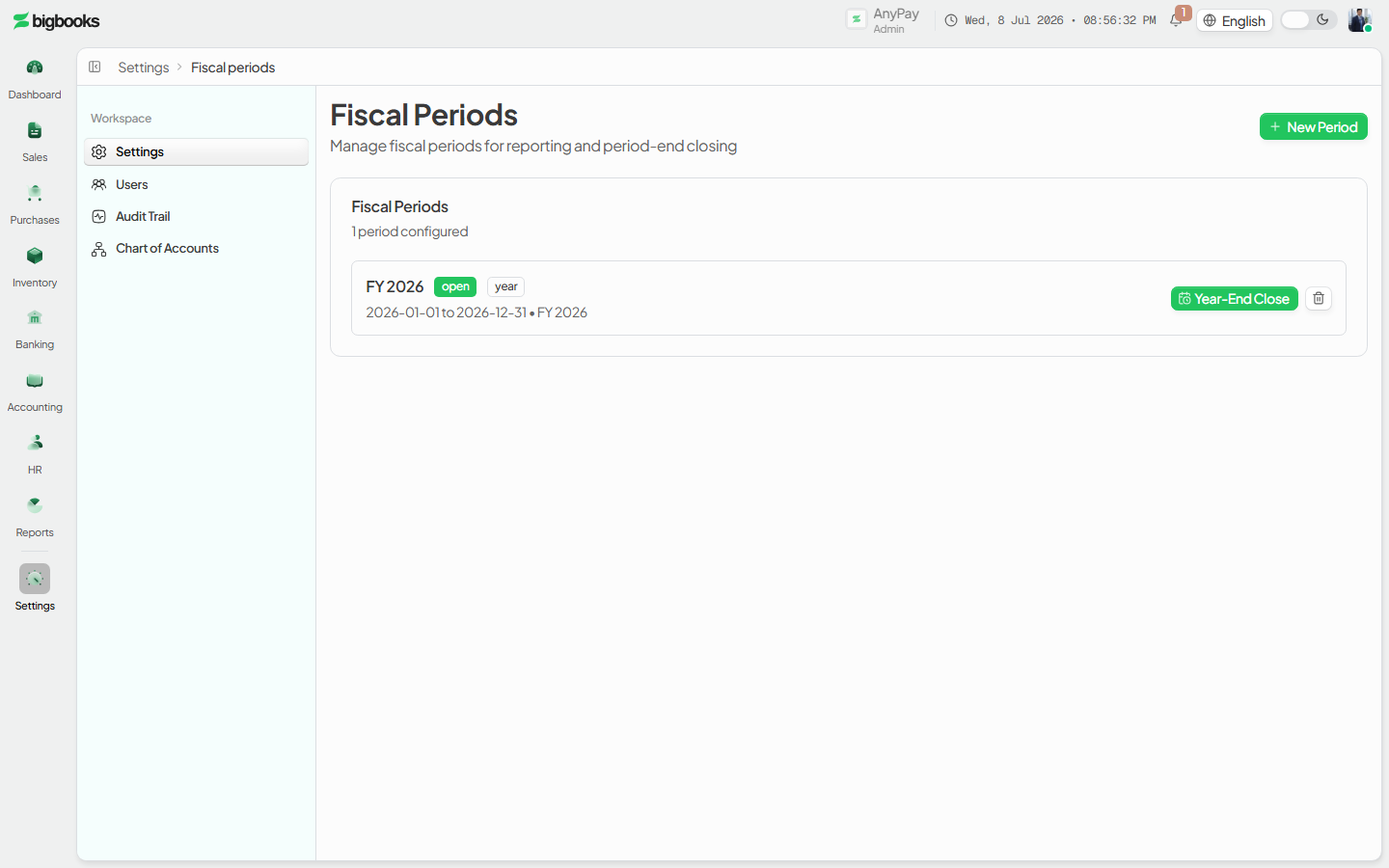
On /[lang]/settings/fiscal-periods, find the open annual period and click Year-End Close. The wizard opens with the fiscal year and a currency selector (default LAK).
Review the closing preview
The wizard shows a Closing Summary — Total Revenue (7xx), Total Expenses (6xx), income tax (GL 691) where present, and the resulting Net Profit (GL 331) or Net Loss (GL 339) — followed by the read-only closing entry table line by line, with its reference (YEC-YYYY-CUR) and entry date (the last day of the year). Switch the currency selector to preview each currency. Heed any advisory warnings (missing income-tax provision, the 5% legal-reserve allocation, or unconfirmed draft entries) before continuing.
Post the closing entry Click Post Closing Entry and confirm. The entry is written, all 6xx/7xx accounts go to zero, the net result lands in GL 331/339, and the annual period is marked closed. A success panel shows the reference and net profit/loss with links to the journal entries and trial balance.
Roll the net result into retained earnings
Back on /[lang]/settings/fiscal-periods, the closed annual period now offers Rollover. This transfers the prior-year net profit from GL 331 to GL 321 (Retained Earnings), dated the first day of the next year (a net loss instead moves GL 329 → GL 339). Once posted, the row shows a Rolled Over badge and a Gen OB action to seed the new year's opening balances.
Lock the year after audit (optional, permanent) When the year is finalized and audited, click Lock Year (admin only) and type the year to confirm. This permanently locks every period in that fiscal year — no further postings, ever. Until then, an admin can still Reopen year from the close wizard to reverse the closing entry.
What happens behind the scenes
Preview — yearEnd/queries.ts:previewClosingEntry recomputes everything server-side and never writes. It blocks the close when sub-periods are still open (open_periods), when a closing entry already exists for that year+currency (already_closed), or when there is no profit-and-loss activity (no_activity / no_pl_activity). It nets each 6xx/7xx account: revenue (7xx) is debited to clear its credit balance, expense (6xx) is credited to clear its debit balance, and the difference is the net result. Advisories cover a missing GL 691 income-tax provision, the MoF-2020 5% legal-reserve allocation to GL 311, and any draft entries in the year.
Post — yearEnd/mutations.ts:postClosingEntry requires the canCloseYear permission, re-checks that all sub-periods are closed, re-derives the lines server-side, and verifies the entry balances (Dr = Cr). It inserts a posted journal entry (sourceType: "closing_entry", reference YEC-YYYY-CUR) dated the last day of the year, then patches the annual fiscal period to status: "closed" with its netIncome, totalRevenue, and totalExpenses. It is idempotent — the same year+currency cannot be closed twice — and it writes both a journal-entry audit-trail record and an auditLogs entry.
Rollover — yearEnd/mutations.ts:postRolloverEntry requires a confirmed closing entry, then posts a balanced entry dated the next year's first day: for a profit, Dr GL 331 / Cr GL 321 (retained earnings brought forward); for a loss, Dr GL 329 / Cr GL 339. Reference YRO-YYYY-CUR, idempotent per source year + currency.
Reopen — yearEnd/mutations.ts:reopenFiscalYear is admin-only. It posts a reversing entry against the closing entry, returns the 6xx/7xx accounts to their pre-close balances, and resets the annual period to open. It refuses if the year is already locked.
Lock — yearEnd/mutations.ts:lockFiscalYear is admin-only and requires typing the year as confirmation. It sets every period in the year to status: "locked". From then on, journalEntries/create.ts rejects any entry dated in that year ("Fiscal year … is permanently locked"), and the period can no longer be reopened — corrections must go through an open period.
Common problems
- "Cannot run year-end close — N sub-period(s) still open." Close every monthly/quarterly period for the year first; the preview lists exactly which ones remain open.
- "No P&L activity found." There are no confirmed revenue/expense entries in the selected currency for that year. Check you have the right currency selected.
- "Year-end closing entry already posted." The year is already closed for that currency (the wizard shows the existing reference). To redo it, an admin must Reopen year first.
- Tax or legal-reserve advisory shown. These are warnings, not blockers: post the missing income-tax (GL 691) or 5% legal-reserve (GL 311) journal entry before closing if your filing requires it.
- Rollover button is missing. Rollover only appears once the year is closed; run the closing entry first.
- Can't lock / can't reopen. Permanent lock and reopen are admin-only. A locked year cannot be reopened at all — that is by design for audited years.
Close a Monthly Period
As an admin, you will close a monthly or quarterly fiscal period so that no one can post or backdate journal entries into its date range, locking that month's reported figures.
Glossary
As an operator or admin, you will be able to look up the meaning of key MoF account codes, Lao accounting terms, and BigBooks-specific concepts — so that you can confidently interpret reports, journal entries, and compliance documents.