

Video Guides
As an operator or admin, you will find the built-in **Video Guides** library and play a short, narrated walkthrough of a common task — entirely inside BigBooks, with nothing to download.
What you'll accomplish
As an Operator or Admin, you will find the built-in Video Guides library and play a short, narrated walkthrough of a common task — entirely inside BigBooks, with nothing to download.
Before you start
Video Guides live at /[lang]/video-guide. Any signed-in user can open them; there are no extra permissions or setup. Each guide is a short animated walkthrough (around a minute) that plays in the page — they are illustrative and read-only, so opening or watching one never touches your company's data. The library follows the app language, and titles fall back to English where a Lao version isn't available yet.
Steps
Open the Video Guides library
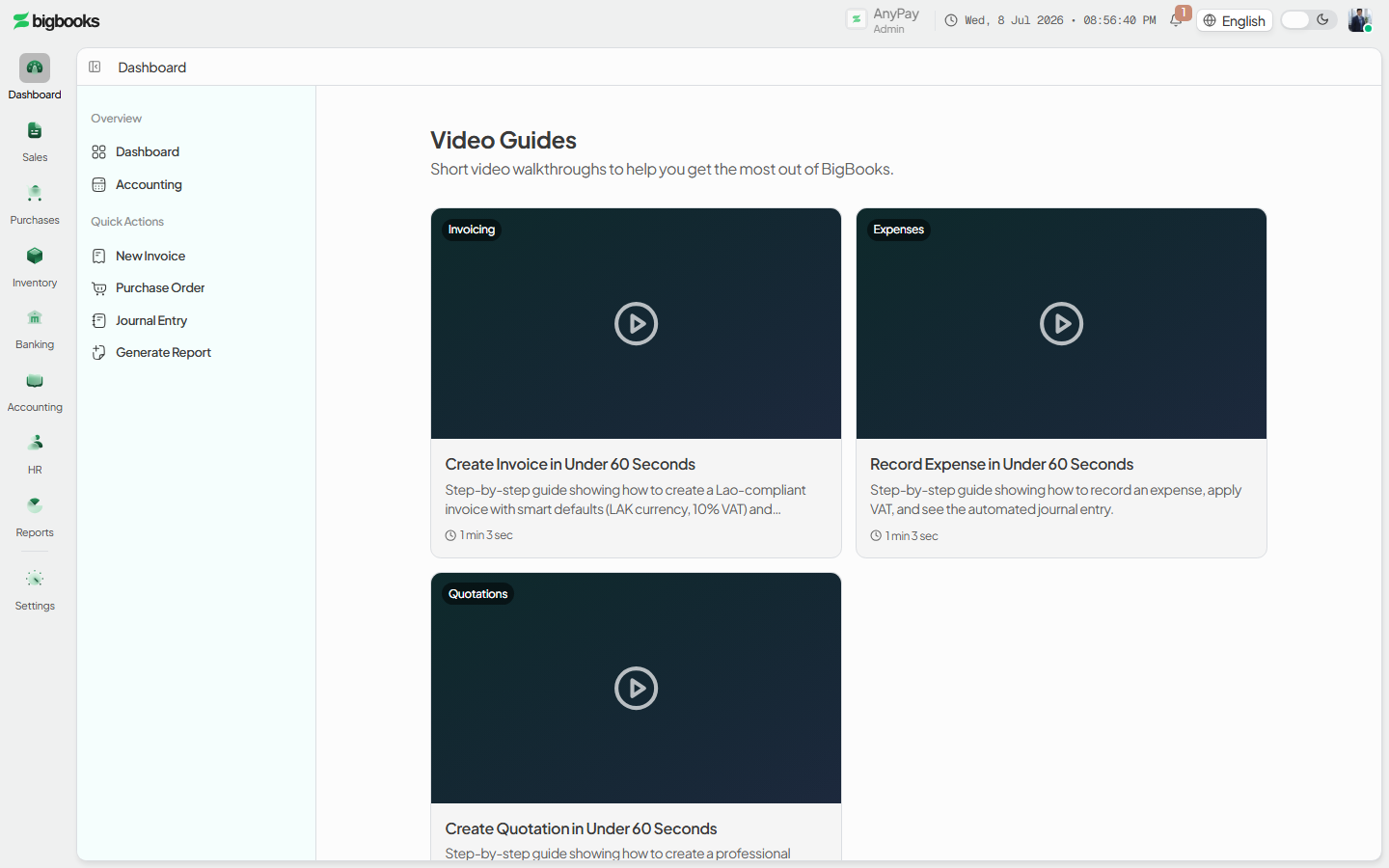
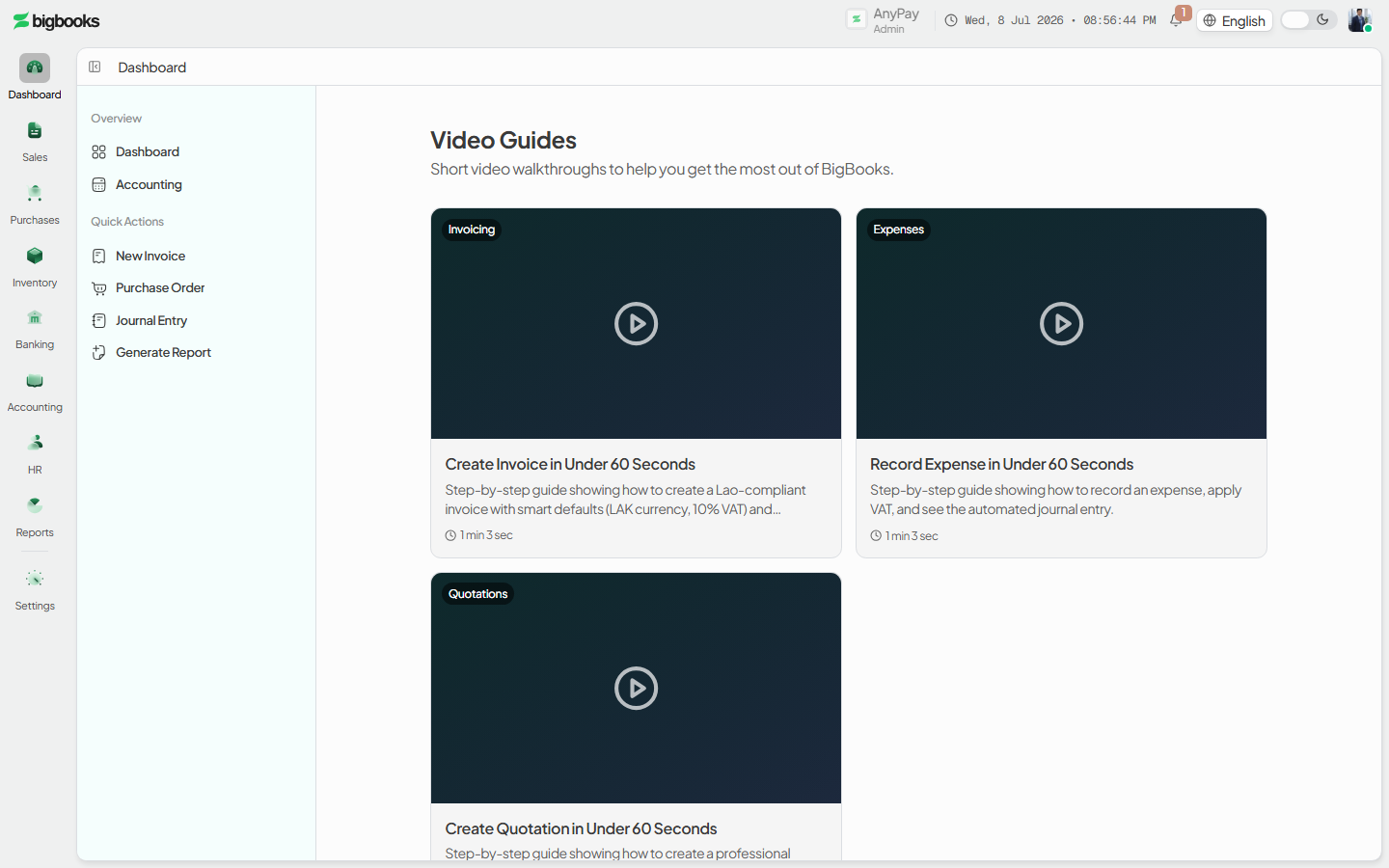
Go to /[lang]/video-guide. The page shows a grid of episode cards, each with a category badge (for example Invoicing, Expenses, Quotations), a title, a short description, and a duration. If no guides are published yet, an empty "No video guides available yet" message is shown instead.
Open a guide
Click an episode card to open it at /[lang]/video-guide/[slug]. The player loads in place, with the title, duration, a Back to Video Guides link, and the full description below the video. An unknown slug shows a "Video guide not found" message with a link back to the library.
Watch it Play the video using the standard player controls. The guide plays back inside BigBooks; when you're done, use Video Guides (the back link) to return to the library and pick another.
What happens behind the scenes
There is no accounting effect and no data is written. Each guide is rendered in the browser from a built-in episode registry (title, description, duration, category, and the animation to play) — it is a self-contained walkthrough, not a recording of your own company. Because the player is browser-only, the page shows a brief loading placeholder while the video component loads, then plays. At the time of writing the library ships three guides: Create an Invoice, Record an Expense, and Create a Quotation, each about a minute long.
Common problems
- "No video guides available yet" — The library is empty because no episodes are published in your build; nothing is wrong with your account.
- "Video guide not found" — The link points at a slug that isn't in the library (for example an old or mistyped URL); use the Back to Video Guides link to return.
- Player shows a grey loading box for a moment — The video player loads only in the browser, so a short placeholder appears before playback begins; this is expected.
- Guide is in English on a Lao screen — Guides fall back to English until a Lao version is added.