

Close a Monthly Period
As an admin, you will close a monthly or quarterly fiscal period so that no one can post or backdate journal entries into its date range, locking that month's reported figures.
What you'll accomplish
As an Admin, you will close a monthly or quarterly fiscal period so that no one can post or backdate journal entries into its date range, locking that month's reported figures.
Before you start
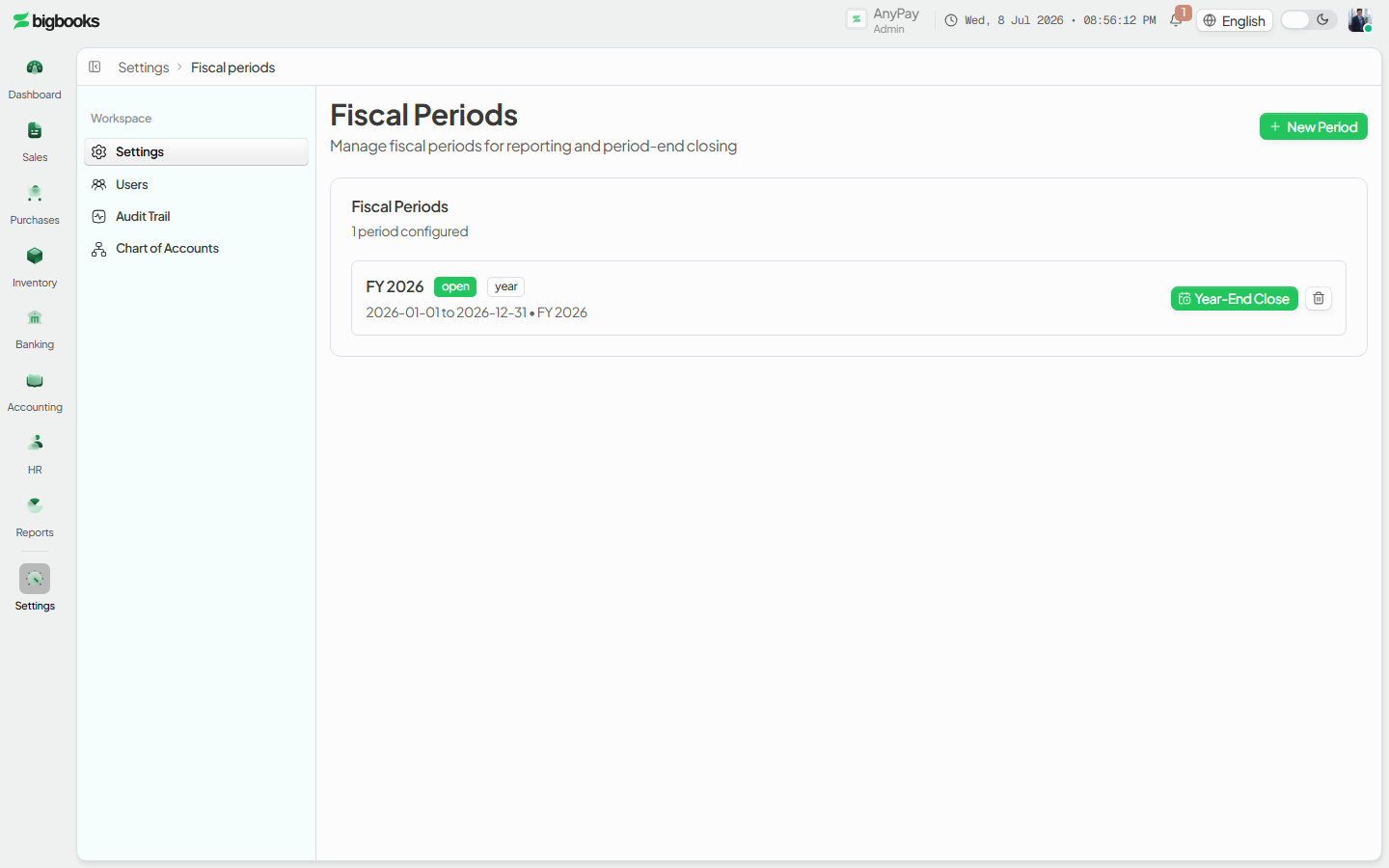
Fiscal periods live at /[lang]/settings/fiscal-periods (Dashboard › Settings › Fiscal periods). This is a settings list — a card of periods, each showing its name, a status badge (open / closed / locked), its type (month / quarter / year), date range, and fiscal year. The New Period button opens a dialog to define a period before you can close it; a period must exist for a date range before that range can be locked.
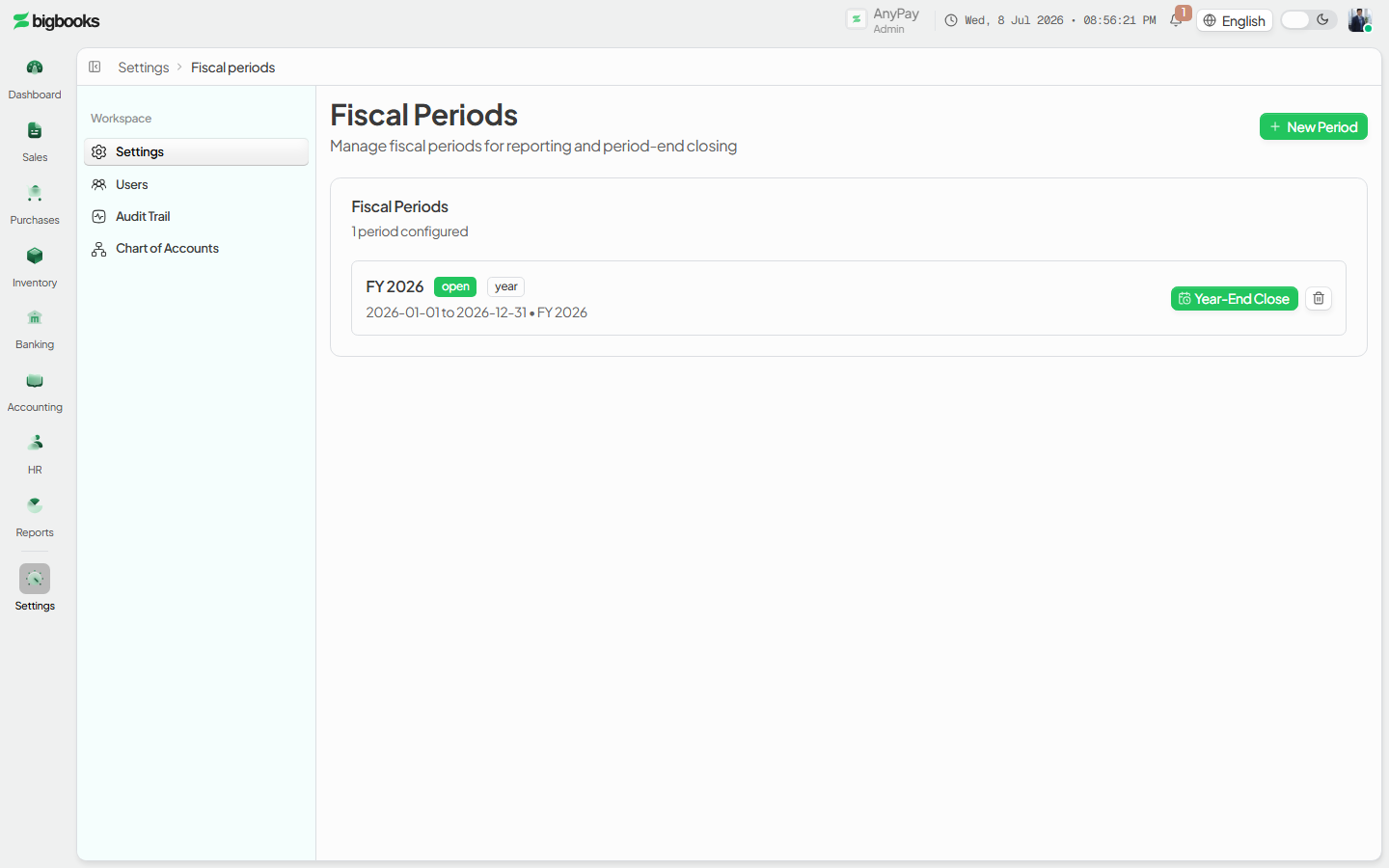
This page handles monthly and quarterly periods. Annual (year) periods are not closed here — they route to the dedicated year-end close flow, which posts a closing journal entry rather than a simple status change.
Compliance Note
Closing a month does not create any accounting entry — it only changes the period's status. Nothing about your balances changes; what changes is that the month is locked against new postings, which is what keeps a finalized month's figures stable for MoF 2020 reporting.
Steps
Open the fiscal periods settings
Go to /[lang]/settings/fiscal-periods. The page lists every period you have defined, newest first, each with its status and type badges.
Create the period if it does not exist yet If the month you want to lock is not listed, click New Period, give it a name (e.g. "January 2025"), choose period type Month (or Quarter), set the start and end dates and the fiscal year, and create it. New periods start with status open.
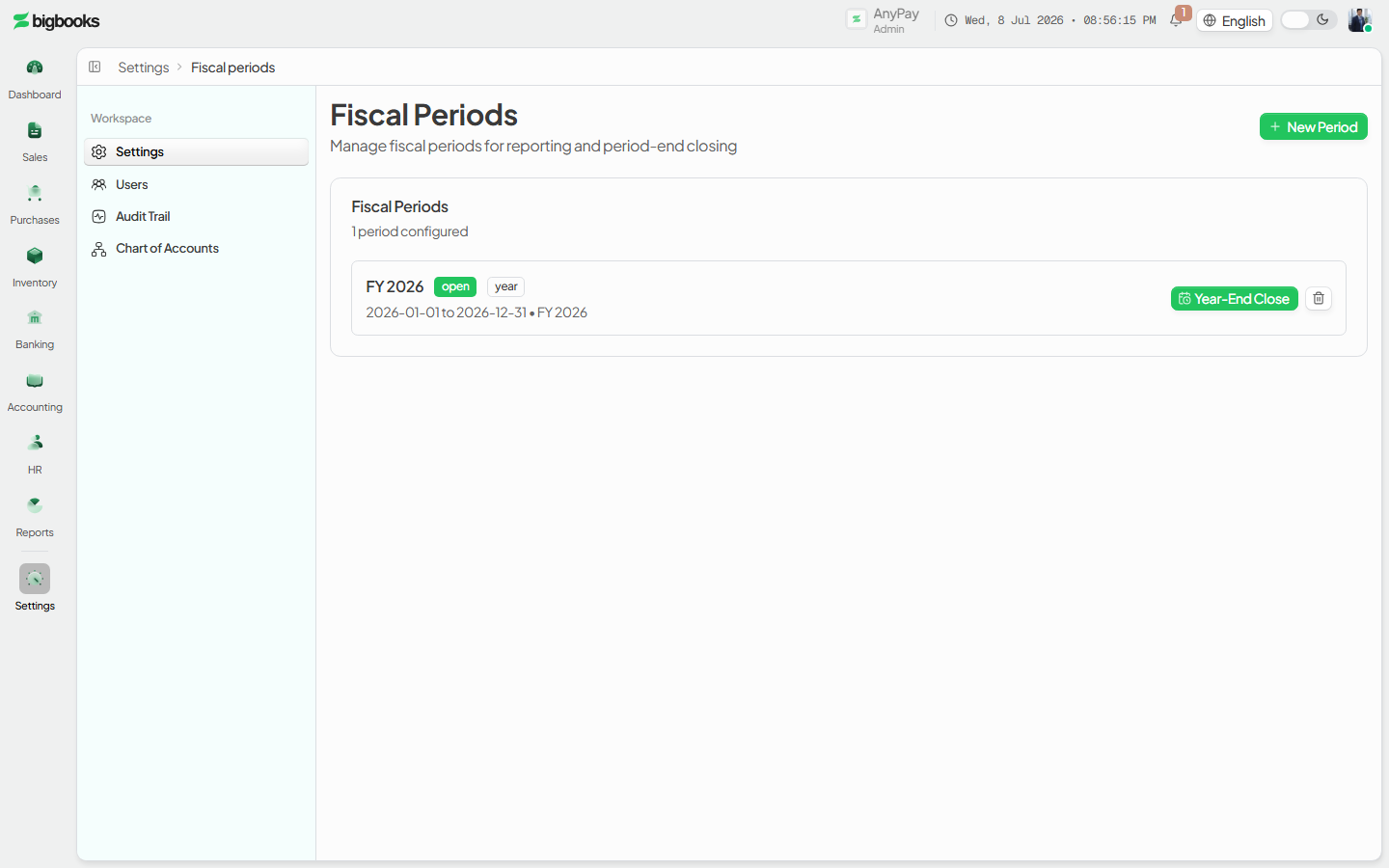
Close the period On an open monthly or quarterly row, click Close. The status badge flips to closed and the row now offers a Reopen action in its place.
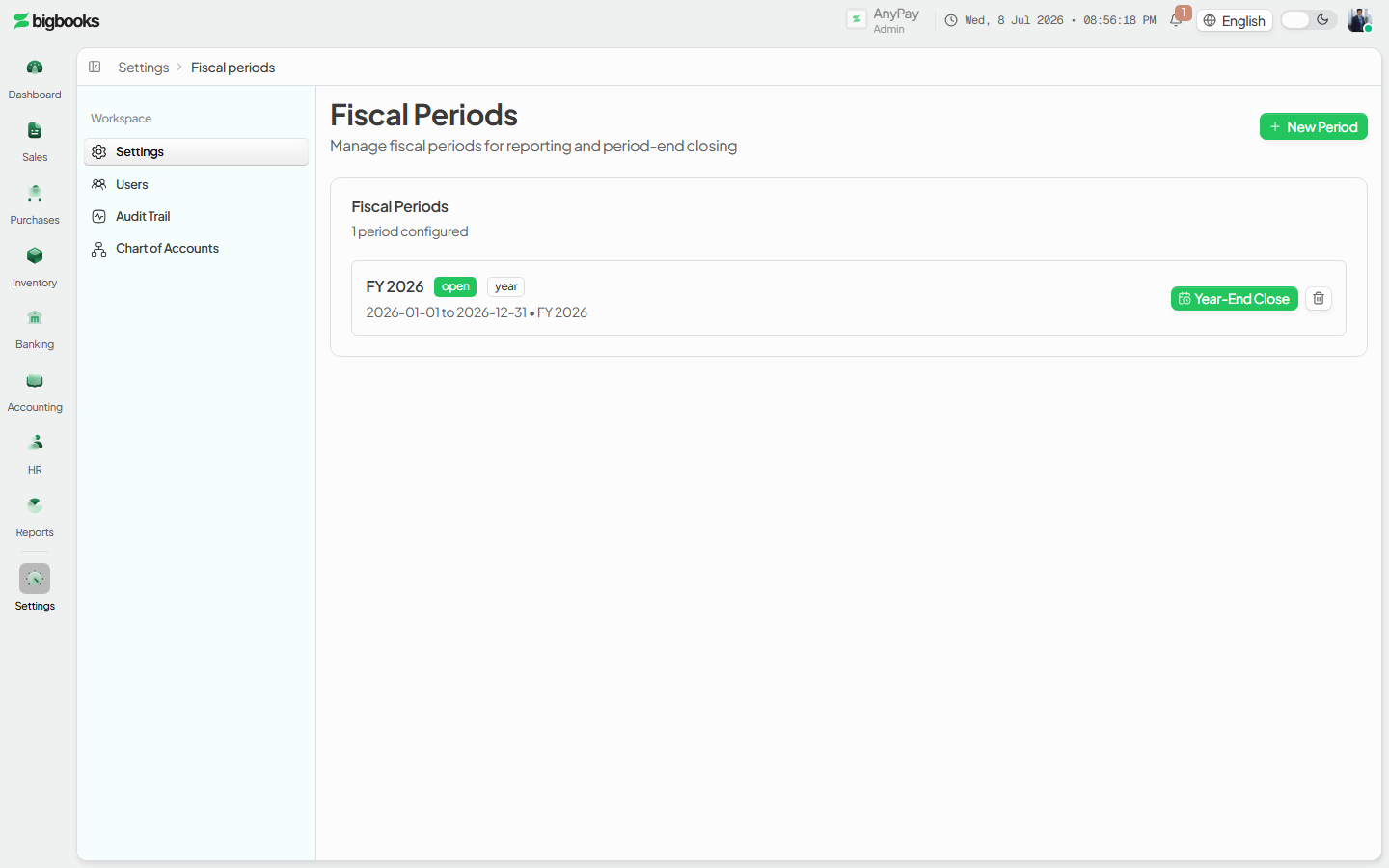
Reopen if you need to make a correction If you must post into a closed month, click Reopen on that row to set it back to open, make the entry, then close it again. A period that has been permanently locked (through year-end lock) cannot be reopened here.
What happens behind the scenes
Closing a period calls fiscalPeriods/mutations.ts:close, which patches the period's status to closed and stamps closedBy / closedAt. No journal entry is created — there is no GL movement from a month close.
The lock is enforced when entries are posted: the journal-entry workflow guard (isPeriodLocked in journalEntries/workflow.ts) finds the period whose date range contains the entry date and rejects the submit / approve / post step if that period's status is closed or locked. So a closed month blocks new postings dated inside it, while leaving earlier and later open periods untouched.
Reopen (fiscalPeriods/mutations.ts:reopen) sets the status back to open and clears closedBy / closedAt — but it refuses to reopen a period whose status is locked. Locking is a separate, permanent step that happens only as part of the year-end close; once a year is locked, its months are locked with it and corrections must go through an adjusting entry in an open period, not by editing the closed one.
Common problems
- There is no Close button on the row. Year-type periods don't show Close here — they show Year-End Close, which is a different flow. Only month and quarter periods are closed from this list.
- The period I want to lock isn't listed. A period must be created (New Period) for that date range before it can be closed; without a matching period, postings into that range are not blocked.
- I can't reopen a closed period. If the row shows a locked badge instead of Reopen, the whole fiscal year was permanently locked at year-end. Locked periods cannot be reopened from settings.
- A backdated entry was rejected. Its date falls inside a closed (or locked) period. Reopen the month to post it, or record an adjusting entry in the current open period instead.
AInvoiceX Tax Submissions
As an operator or admin, you will monitor your tax invoices as they synchronise to the Lao tax authority through AInvoiceX, resolve any that error, and retrieve the official tax-authority documents for the ones that succeed.
Run the Year-End Close
As an admin, you will run the year-end close — preview the official closing journal entry, post it to zero out the year's profit-and-loss accounts and book the net result to equity, then roll that result into retained earnings and (after audit) permanently lock the fiscal year.