

General Ledger
As an operator, you will run the General Ledger as a filterable report — pick a date range, currency, and accounts — and drill into any account to read its opening balance, every movement with a running balance, and its closing balance.
What you'll accomplish
As an Operator, you will run the General Ledger as a filterable report — pick a date range, currency, and accounts — and drill into any account to read its opening balance, every movement with a running balance, and its closing balance.
Before you start
The General Ledger lives at /[lang]/general-ledger. In the jun27 upgrade it is a report-view, not a list you edit: a filter bar (date range, currency, optional account picker) above a summary of accounts, each drillable into its detail. The old /[lang]/general-ledger/report-view URL now redirects here, carrying its from / to / currency query params, so existing bookmarks keep working. You need a selected company and one of the journal permissions (canViewJournals, canCreateJournals, or canConfirmJournals). The report defaults to the current month and the LAK currency.
The General Ledger reads, it never posts. Nothing here changes a balance — it aggregates postings that already exist, so it is safe to open in any period, including closed ones.
Steps
Open the General Ledger
Go to /[lang]/general-ledger. The report opens for the current month in LAK. The secondary-header breadcrumb names the report; the as-of range, currency, and the Excel export sit in the header action zone.
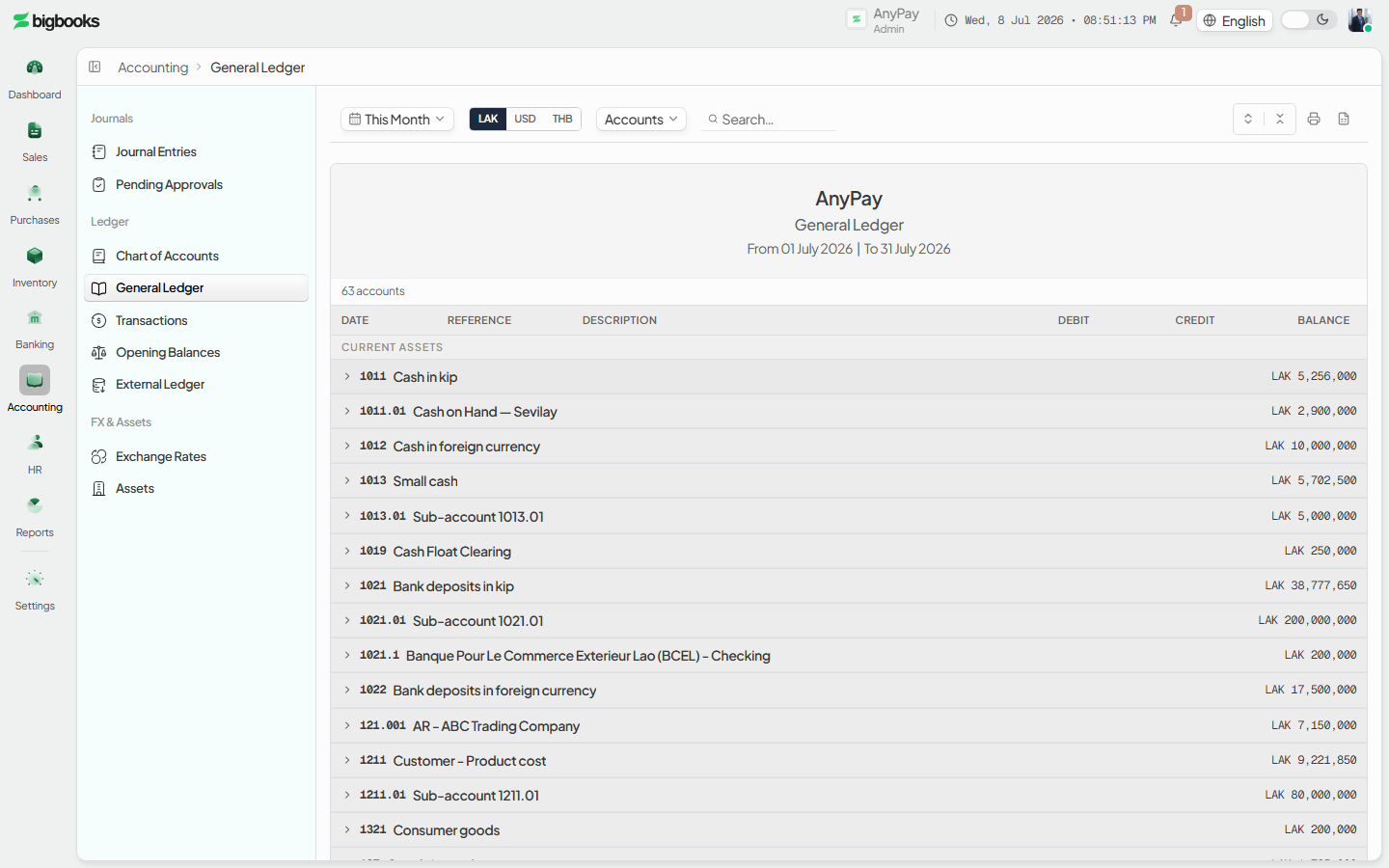
Set the date range, currency, and accounts
Use the filter bar to choose the period (from/to), the report currency (LAK, USD, or THB), and — optionally — narrow to specific account codes. The filters are reflected in the URL so the view is shareable and survives a refresh.
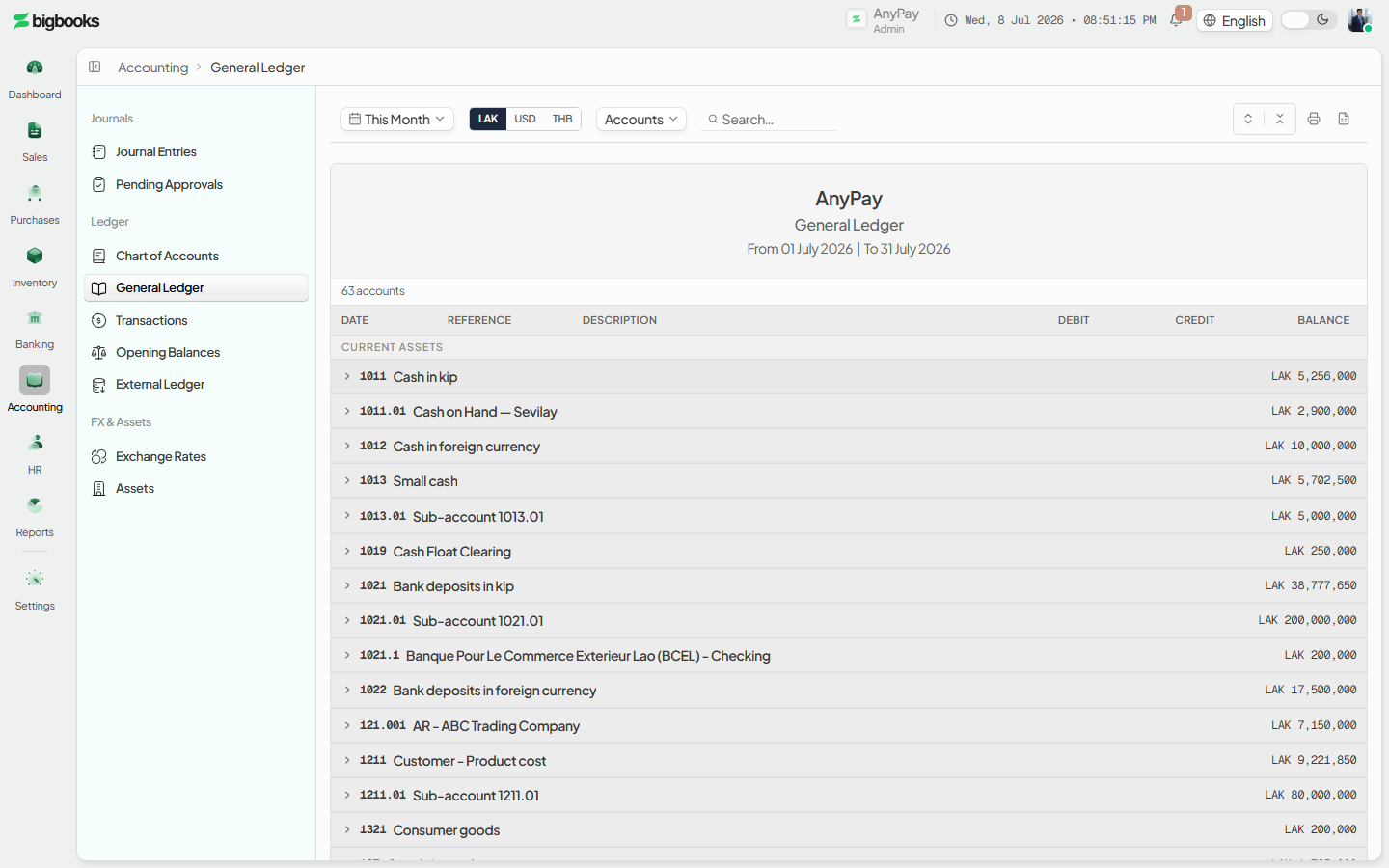
Drill into an account Each summary row shows an account with its opening and closing balance. Open a row to expand its detail: every debit/credit movement for the period with a running balance, plus the opening and closing figures. A client-side search box filters the summary list by code or name.
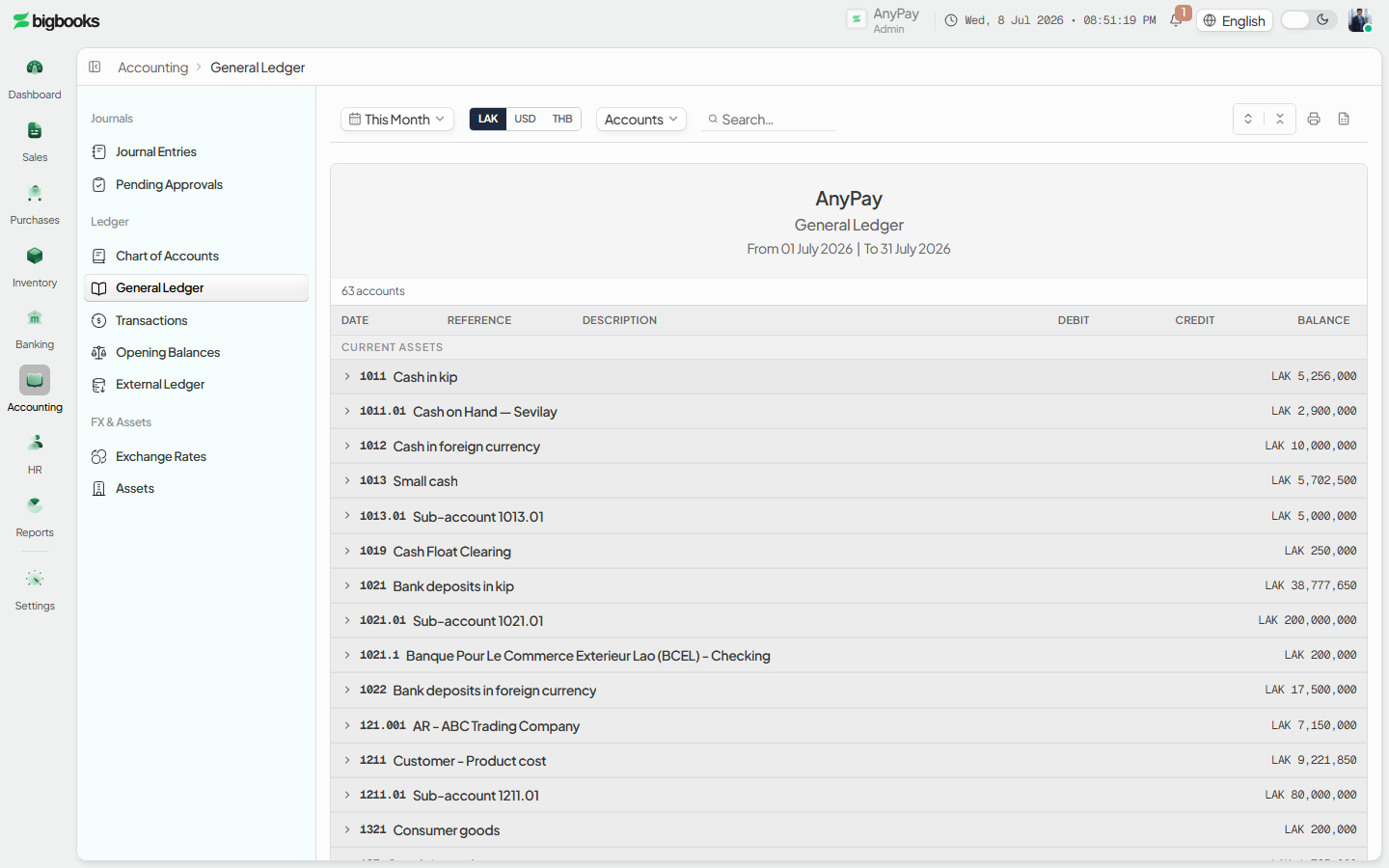
Export to Excel Use the Excel action in the header to download the report for the current filters; the file mirrors what is on screen.
What happens behind the scenes
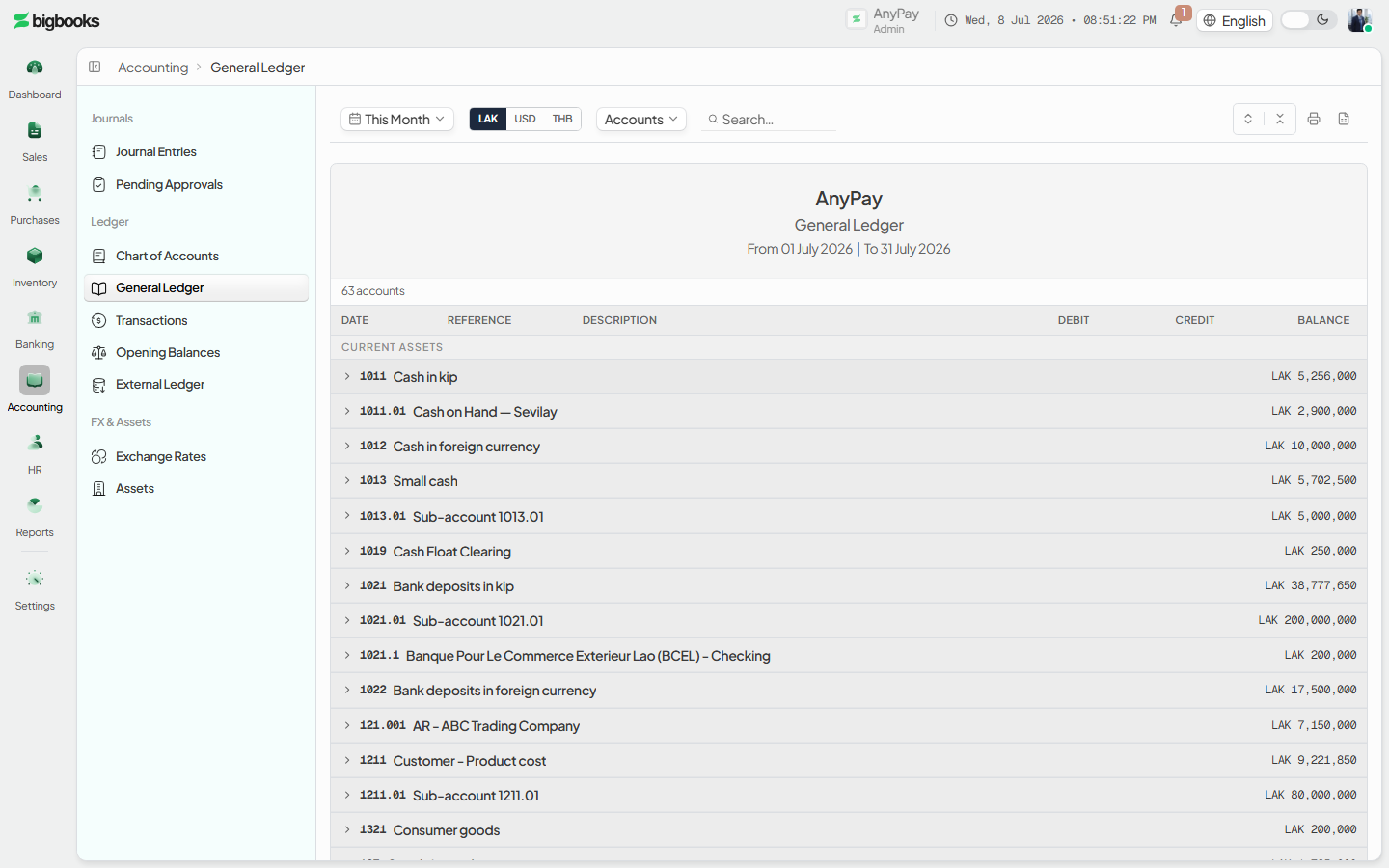
The page renders GLReportViewPage, which calls two read-only Convex queries: getGLReportSummary (per-account opening balance, period debits/credits, and closing balance) and getGLAccountDetail (the line-by-line movements with a running balance for one account), both in reports/glReportView.ts; the account picker is fed by chartOfAccounts/queries.ts list. Every figure is an aggregation of confirmed (posted) journal-entry lines — there is no separate ledger store. A posting only counts once its journal entry is posted; drafts never appear. Each movement is a balanced double-entry line in integer satang, so for any account the closing balance equals opening + Σ(debits − credits) per its account-type normal side, and across all accounts total debits equal total credits. Postings arrive from issued invoices (Dr Accounts Receivable / Cr Revenue + VAT Output), confirmed payments (Dr Bank or Cash / Cr Accounts Receivable), and posted manual journal vouchers — all reconciled to the MoF 2020 chart of accounts.
Common problems
- Empty report: If no postings exist in the range, accounts show opening = closing with no movements — widen the date range or confirm the documents are posted, not drafts.
- A draft is missing: Draft invoices, unconfirmed payments, and draft journal vouchers do not appear; only posted entries aggregate into the ledger.
- Wrong currency view: The report re-values per the selected report currency; switch the currency filter if balances look off for a foreign-currency account.
- Old report-view link:
/[lang]/general-ledger/report-viewredirects to/[lang]/general-ledgerwith your params preserved — update any saved bookmark to the new path. - No figures shown: Without a journal permission the page is gated; ask an admin to grant
canViewJournals.
Exchange Rates
As an admin, you will keep BigBooks' daily foreign-exchange rates current so that every foreign-currency invoice, bill, and payment converts to LAK at the right buying or selling rate — and so the figure each transaction was booked at never changes after the fact.
Journal Vouchers & Approval
As an operator, you will create a balanced manual journal voucher and move it through its lifecycle — post it directly, or submit it for an admin to approve — so that adjustments no document produces (accruals, reclassifications, opening balances) land correctly in the general ledger.