

Journal Vouchers & Approval
As an operator, you will create a balanced manual journal voucher and move it through its lifecycle — post it directly, or submit it for an admin to approve — so that adjustments no document produces (accruals, reclassifications, opening balances) land correctly in the general ledger.
What you'll accomplish
As an Operator, you will create a balanced manual journal voucher and move it through its lifecycle — post it directly, or submit it for an Admin to approve — so that adjustments no document produces (accruals, reclassifications, opening balances) land correctly in the general ledger.
Before you start
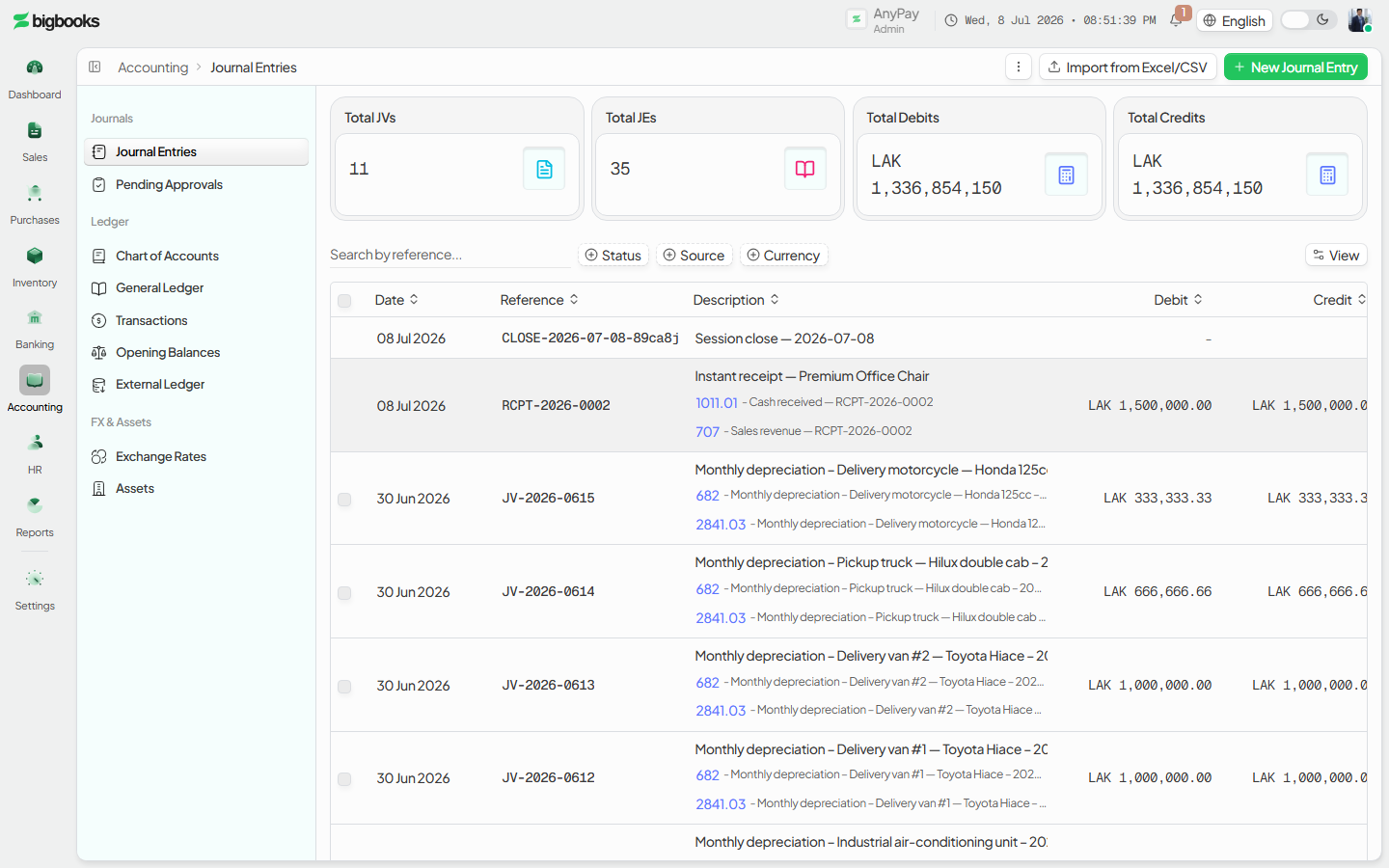
Vouchers live at three routes: the list at /[lang]/entries, the editor at /[lang]/entries/new, and the approver queue at /[lang]/entries/approvals. The list is a data-table of vouchers with status filters, bulk Post selected / Submit / Delete actions, an account-details drawer, and import/template tools; a row opens its detail page (/[lang]/entries/[id]) or its editor (/[lang]/entries/[id]/edit). Creating or viewing vouchers needs a journal permission (canViewJournals / canCreateJournals); confirming or approving needs canConfirmJournals. Amounts are entered per line as a debit or a credit and stored as integer satang.
Compliance Note
A draft voucher changes nothing in the ledger. Postings appear only once the voucher is posted, and a posted voucher is locked — corrections require a reversing entry, per MoF 2020.
Steps
Open the entries list
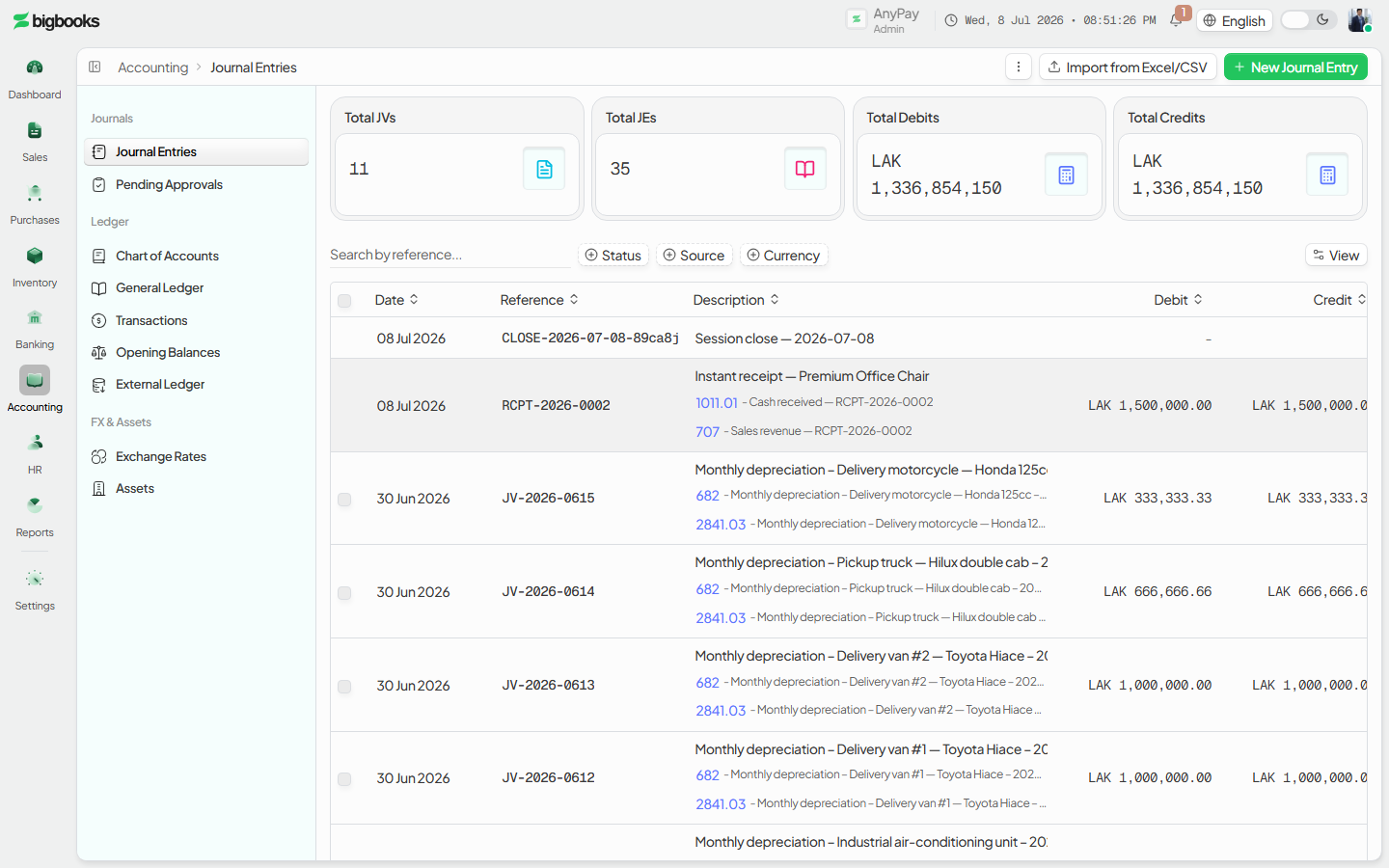
Go to /[lang]/entries. You see existing vouchers with status badges and counts, status/faceted filters, and the New action. Drafts can be bulk-posted or bulk-submitted from the toolbar.
Create a voucher
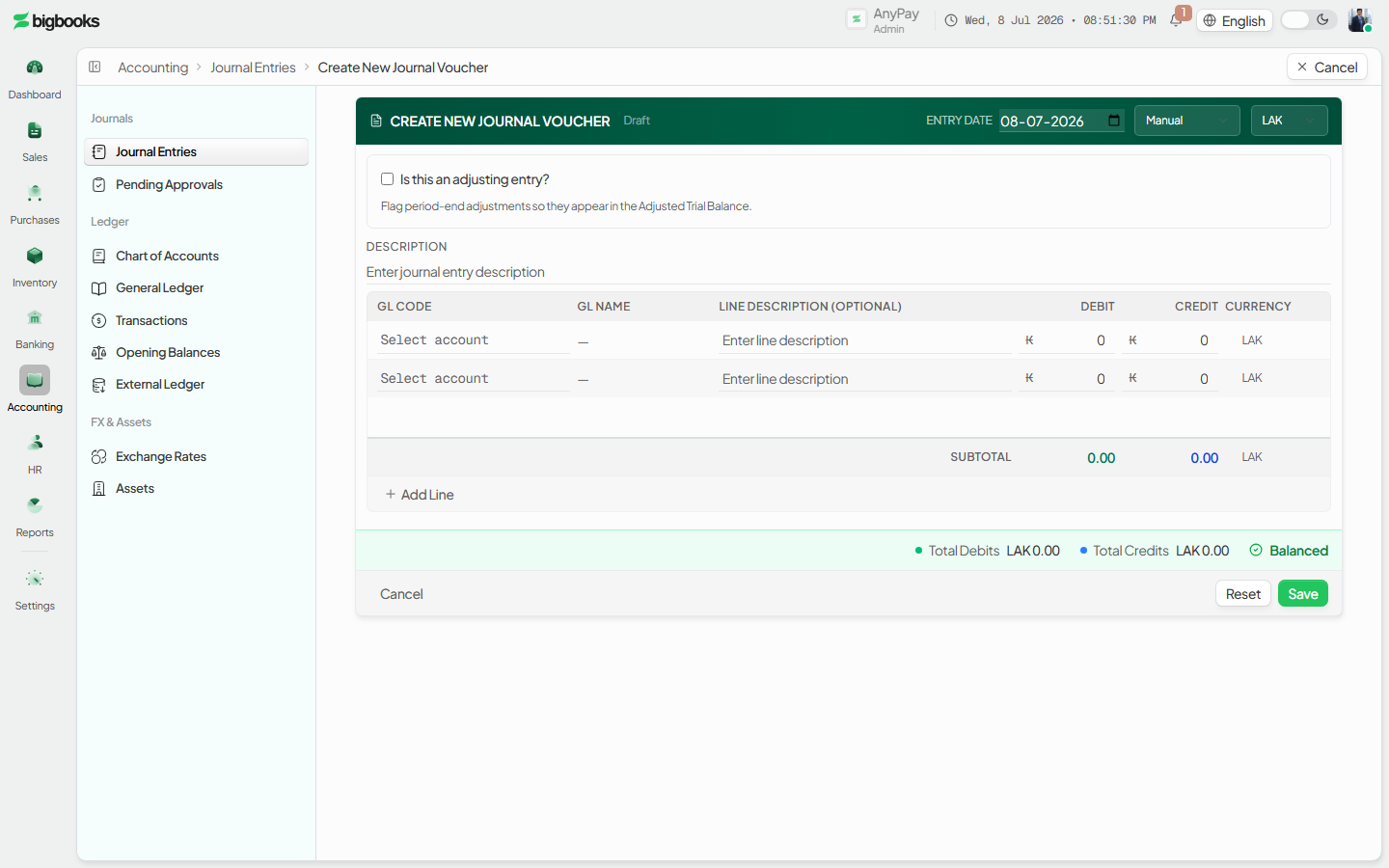
Click New to open the document-style editor at /[lang]/entries/new. Add lines — each naming an account (from the active chart of accounts) and either a debit or a credit, plus a date and narration. A live total shows whether debits equal credits.
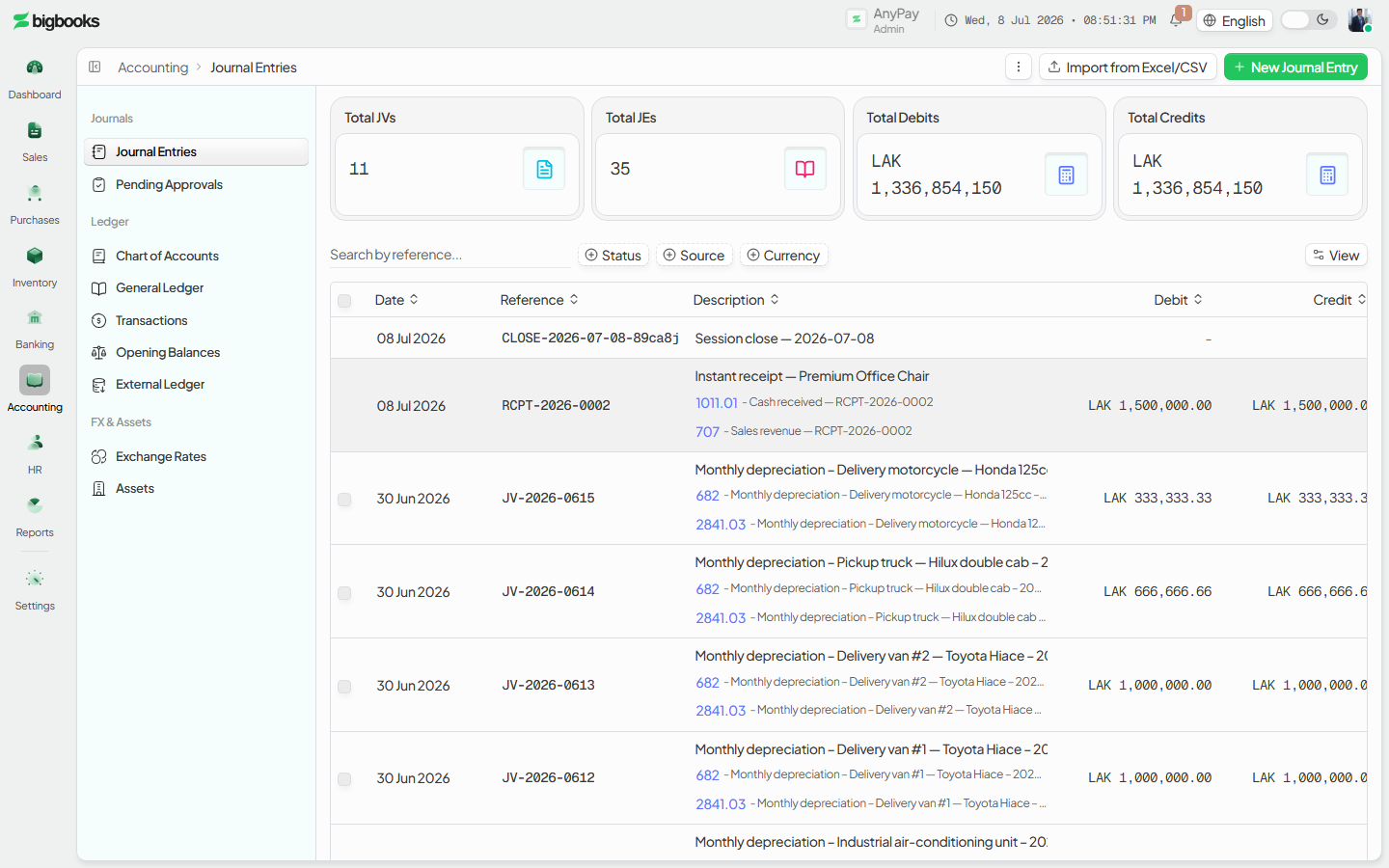
Save the draft Save. The voucher is created as a draft with a generated reference and appears in the list. It has no effect on any balance yet and can be edited freely.
Post it — directly or via approval
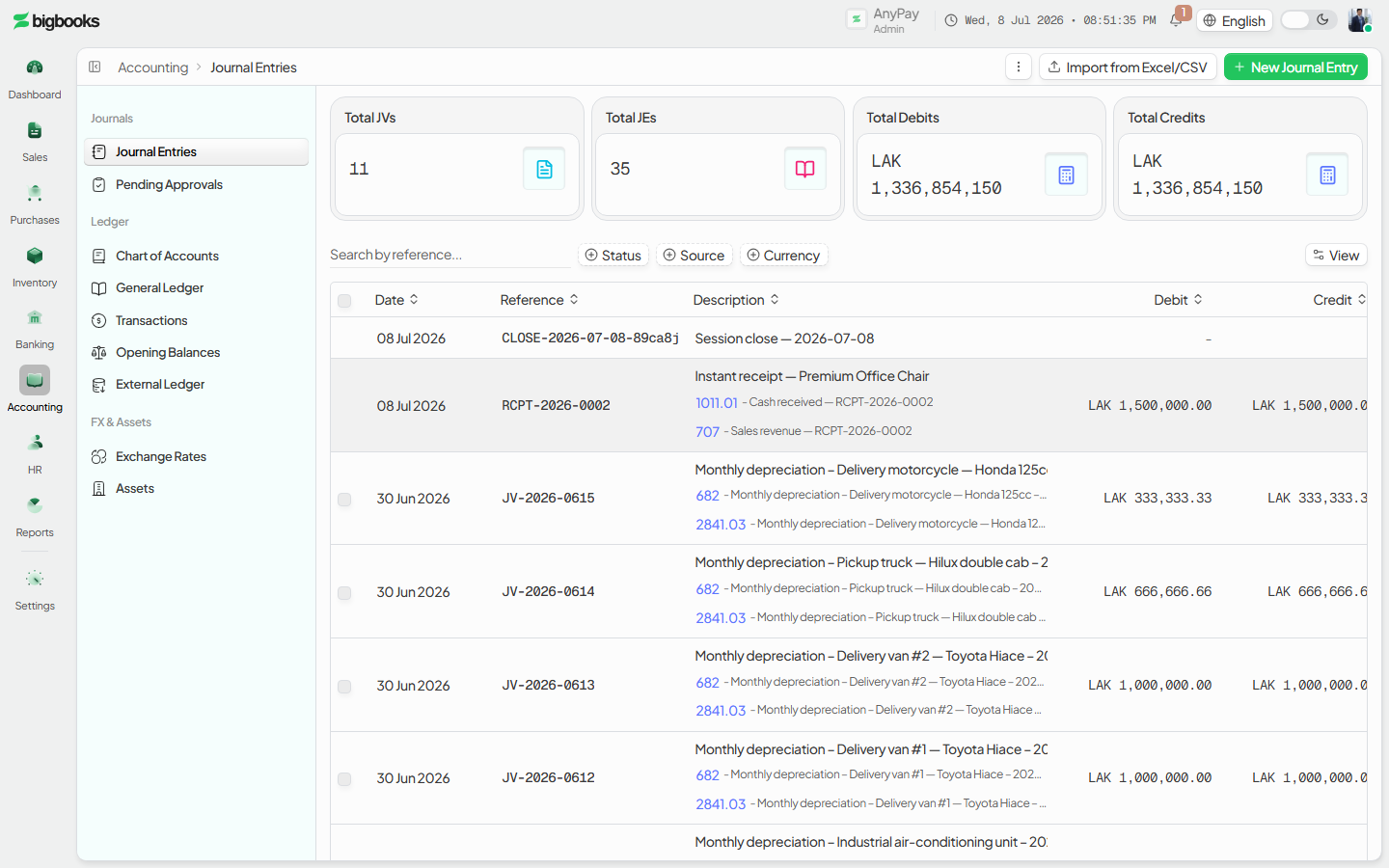
With canConfirmJournals, Post the balanced draft to commit it immediately (draft → posted). Otherwise Submit it; it moves into the pending-approval queue.
Approve in the approvals dashboard
An approver opens /[lang]/entries/approvals to see pending vouchers, then approves (which posts them) or rejects them — individually or in bulk.
What happens behind the scenes
The editor calls createJournalEntry (journalEntries/create.ts), which validates each line against the active chart of accounts (accounts/queries.ts getActiveAccounts): the account must exist and be active, a line must carry a debit or a credit but never both or neither, amounts must be non-negative, a non-LAK voucher must supply an exchange rate, and prior-period correction lines on accounts 6783/7783 must reference the original entry via correctsEntryId (MoF 2020). It then checks total debits equal total credits and saves as draft with a sequential JE… reference. Posting runs confirmEntry (journalEntries/confirm.ts): it re-asserts the entry is still a draft, re-checks the balance, flips the entry and all its lines to posted, and updates the draft→posted stats counter — after which the entry is immutable. The approval path (journalEntries/workflow.ts) routes a submitJournalEntry into the pending queue read by pendingApprovals (journalEntries/queries.ts); approveJournalEntry posts it, rejectJournalEntry sends it back. Only after posting do the lines aggregate into the general ledger and appear in /[lang]/transactions.
| Account | Debit | Credit |
|---|---|---|
| Account on each debit line | Debit amount | - |
| Account on each credit line | - | Credit amount |
Common problems
- Unbalanced voucher: Posting is blocked until total debits equal total credits; the error reports both totals.
- Bad line: A line with no account, with both a debit and a credit, with neither, or with a negative amount is rejected.
- Missing FX rate: A non-LAK voucher needs an exchange rate before it can be created.
- Correction rule: A 6783/7783 prior-period correction line must reference the original entry (
correctsEntryId) or creation fails. - No permission to post: Without
canConfirmJournalsyou can save and submit a draft but cannot post it — it must go through approval. - Editing a posted voucher: Posted vouchers are locked; record a reversing entry instead of editing or deleting.
- Closed period: Posting into a closed accounting period is rejected.
General Ledger
As an operator, you will run the General Ledger as a filterable report — pick a date range, currency, and accounts — and drill into any account to read its opening balance, every movement with a running balance, and its closing balance.
Transactions History
As an operator, you will browse one unified history of every transaction in the company — from any module — filter it by type and status, search it, and open any row to read its underlying journal entry.