

Assets & Depreciation
As an operator or admin, you will register a capitalised purchase into the fixed-asset register, then run monthly depreciation and approve the draft journal vouchers it produces so the expense is recognised in the ledger.
What you'll accomplish
As an Operator or Admin, you will register a capitalised purchase into the fixed-asset register, then run monthly depreciation and approve the draft journal vouchers it produces so the expense is recognised in the ledger.
Before you start
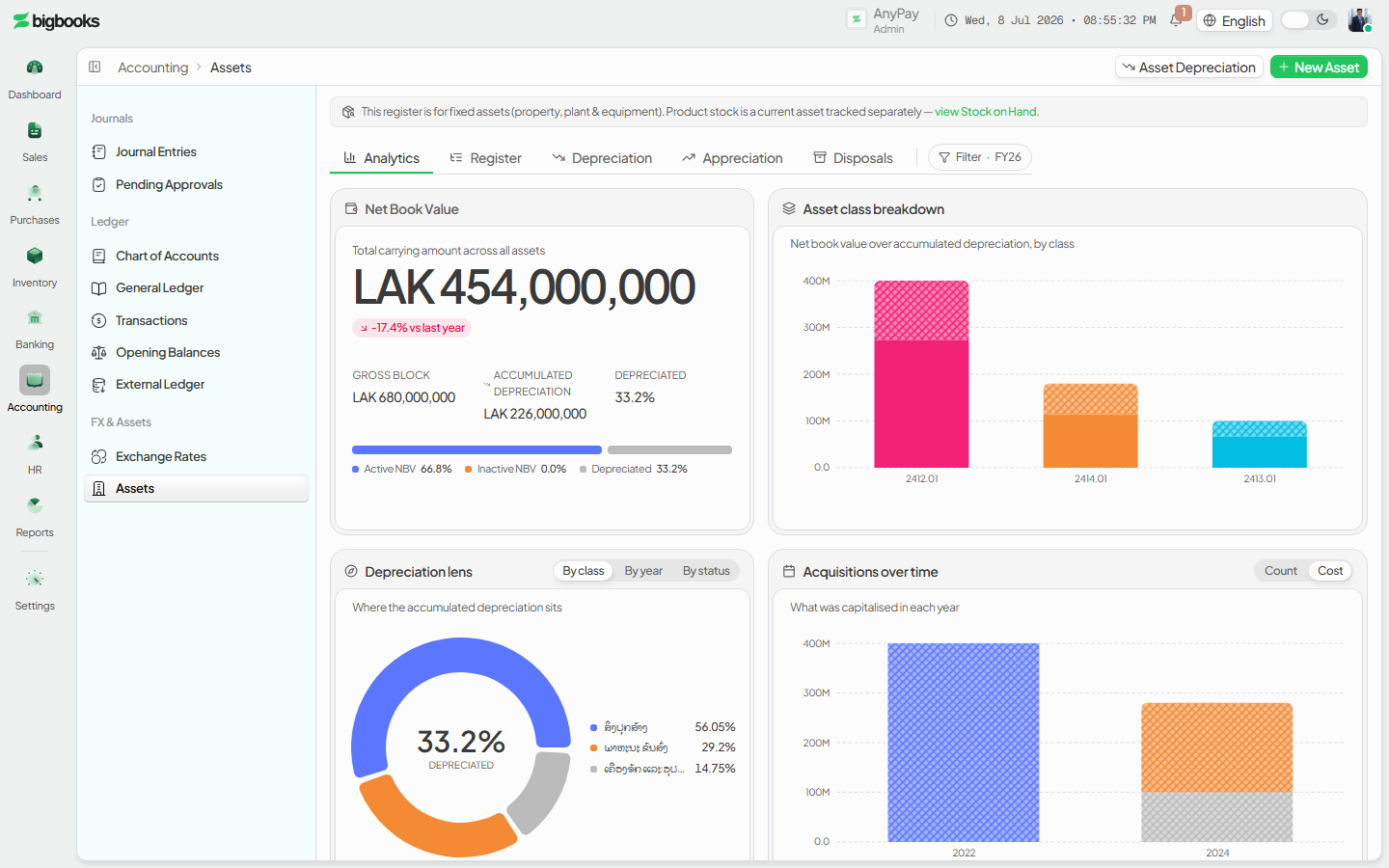
Assets live at /[lang]/assets. The page is a tabbed workspace — Analytics, Register, Depreciation, Appreciation, and Disposals — not a master-detail list. The Register tab is the asset table; the Depreciation tab is the depreciation workbench. Registering an asset and running depreciation require admin, account-manager, or accountant permission. Money is entered in a major unit and stored as integer satang (1 LAK = 100 satang). Useful life is entered in years and stored as months.
Compliance Note
Monthly depreciation does not post straight to the ledger. It creates draft journal vouchers that an approver must post, so registering an asset is not the same as recognising the expense — the charge only reaches the GL after approval.
Steps
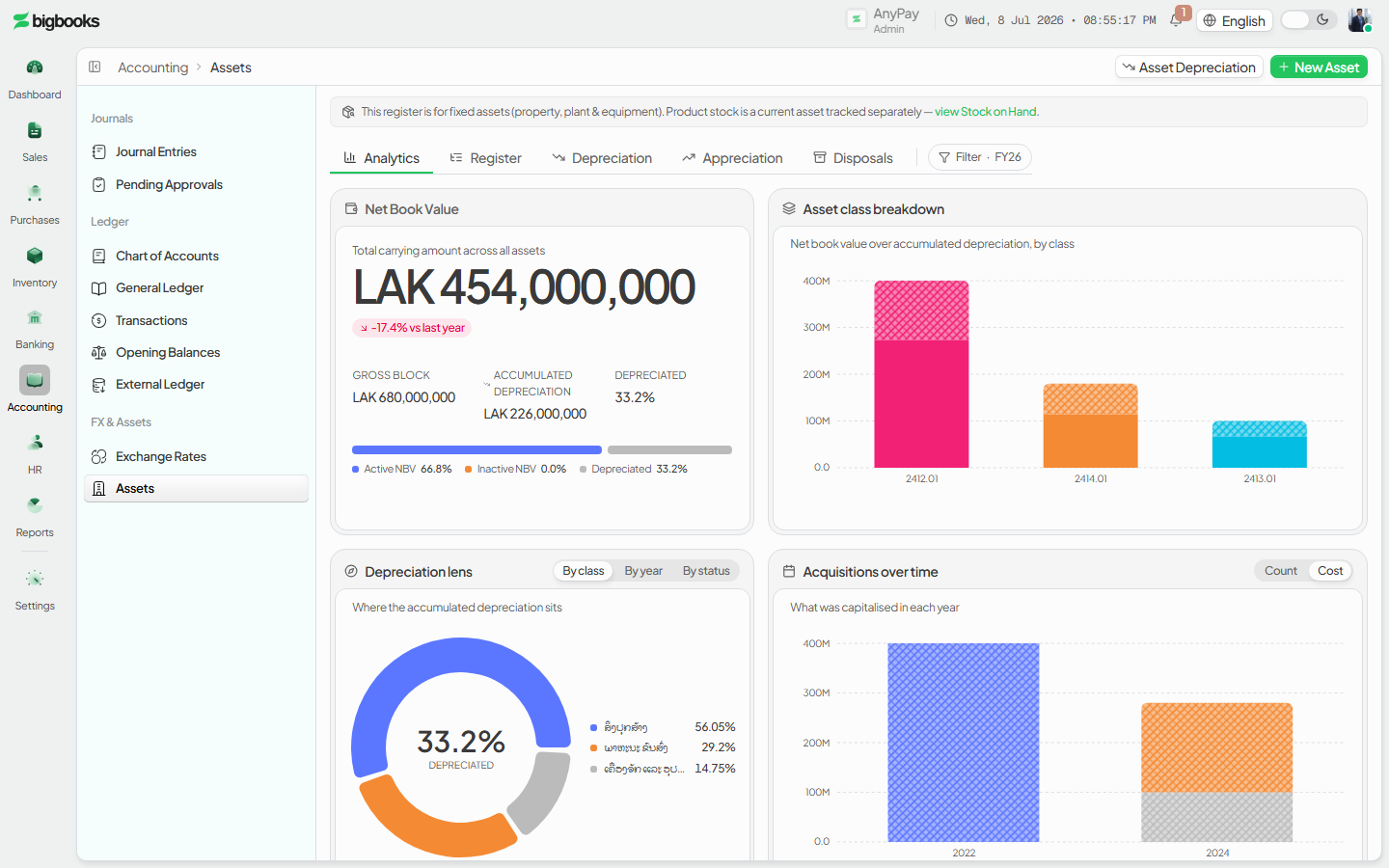
Open the asset register
Go to /[lang]/assets and stay on the Register tab. Each asset row shows its name, category, purchase cost, and current value (with the appreciation/depreciation delta) and a status badge (active / inactive / disposed). The header carries Import, Template, Export, Run depreciation, and New asset actions.
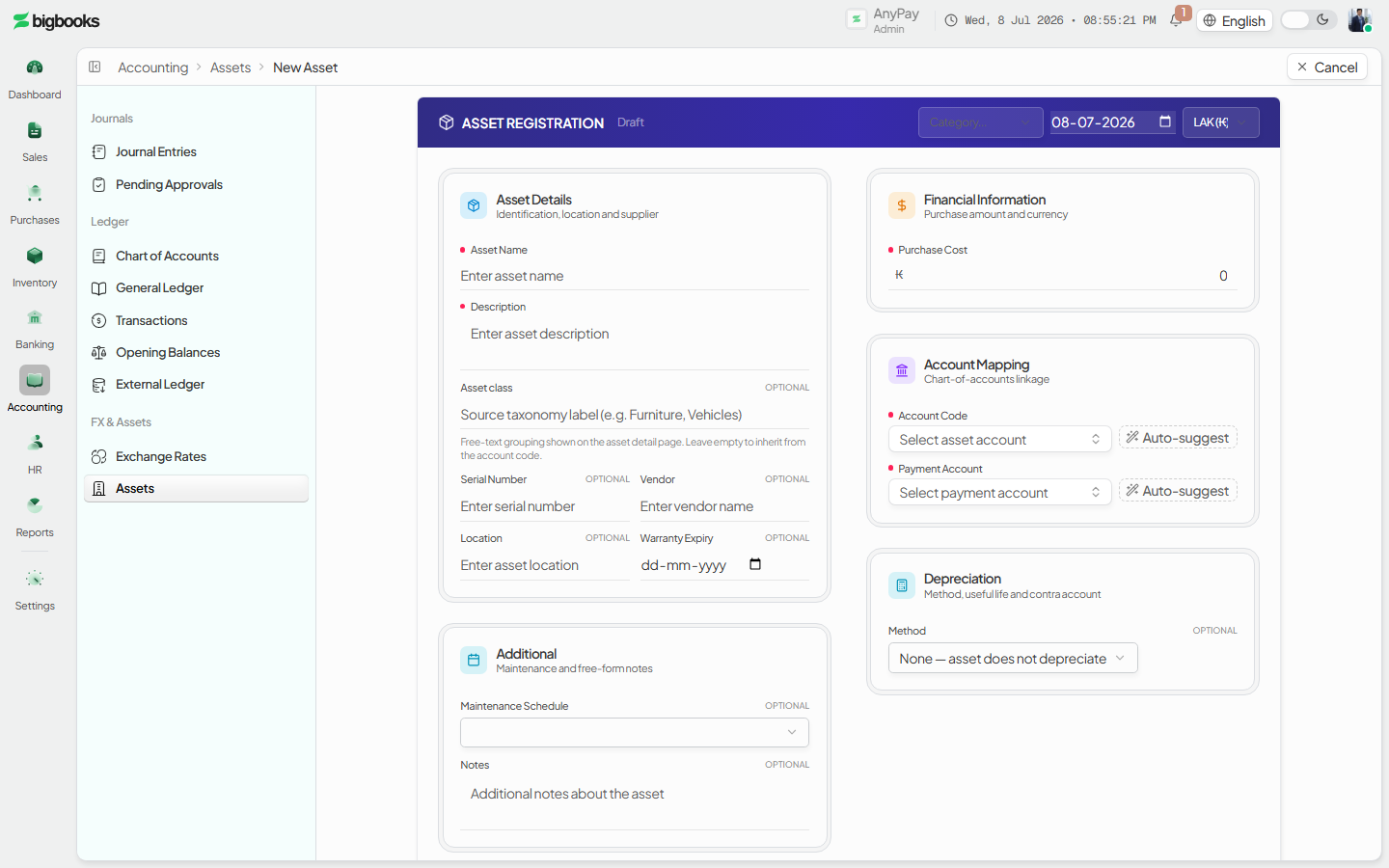
Register a new asset
Click New asset to open the full-page asset form at /[lang]/assets/new. Enter the name, category (equipment / investments / bonds), the asset account code, purchase date, purchase cost, and currency. Choose a depreciation method (none / straight-line / declining-balance), the useful life in years, and a salvage value (and a depreciation rate for declining-balance). Some accounts preset the useful life (for example buildings 20 years); land is not depreciable.
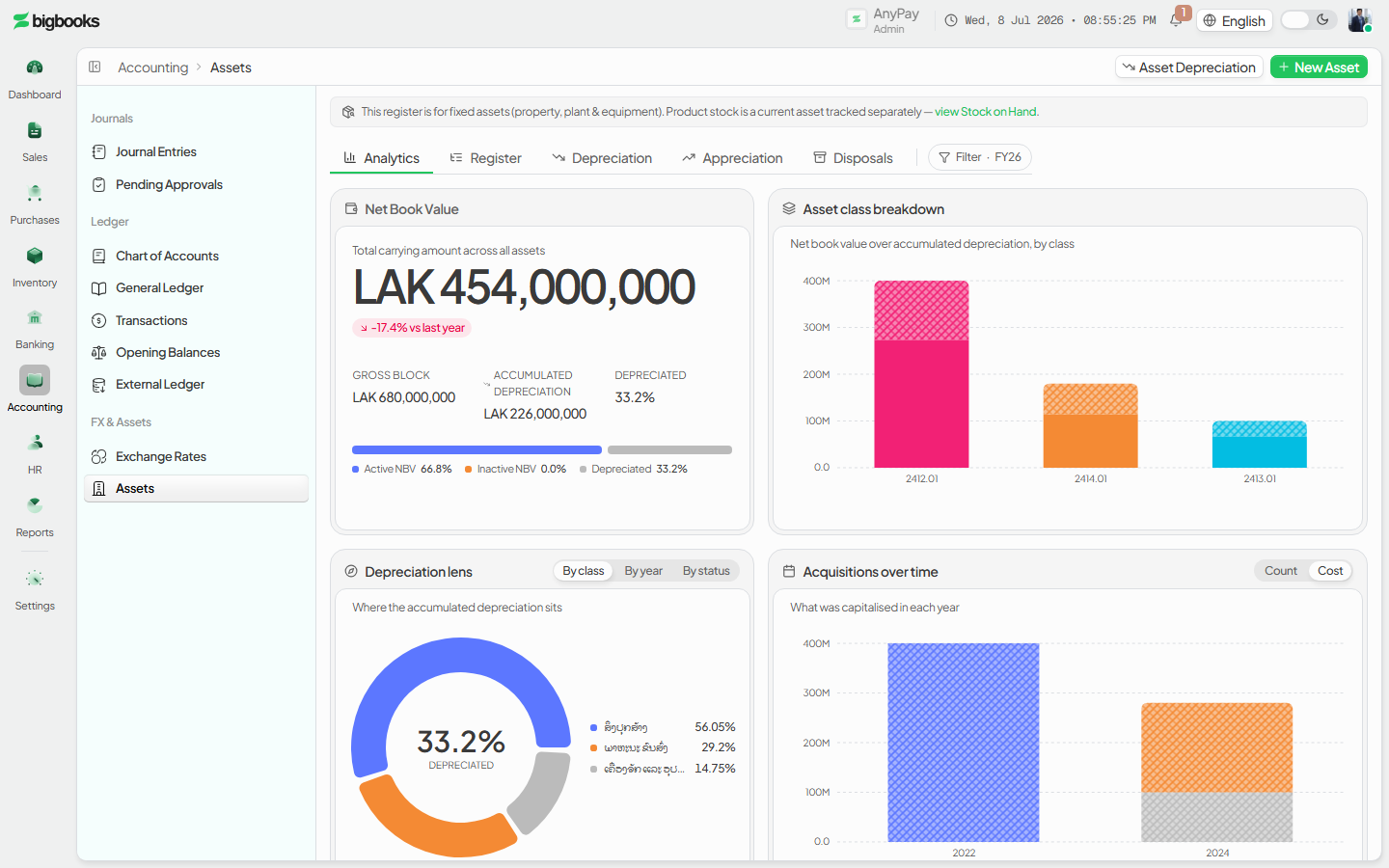
Confirm the asset in the register Save the form. The asset appears in the register as active, with its book value and (once depreciated) its accumulated depreciation tracked over time.
Run monthly depreciation
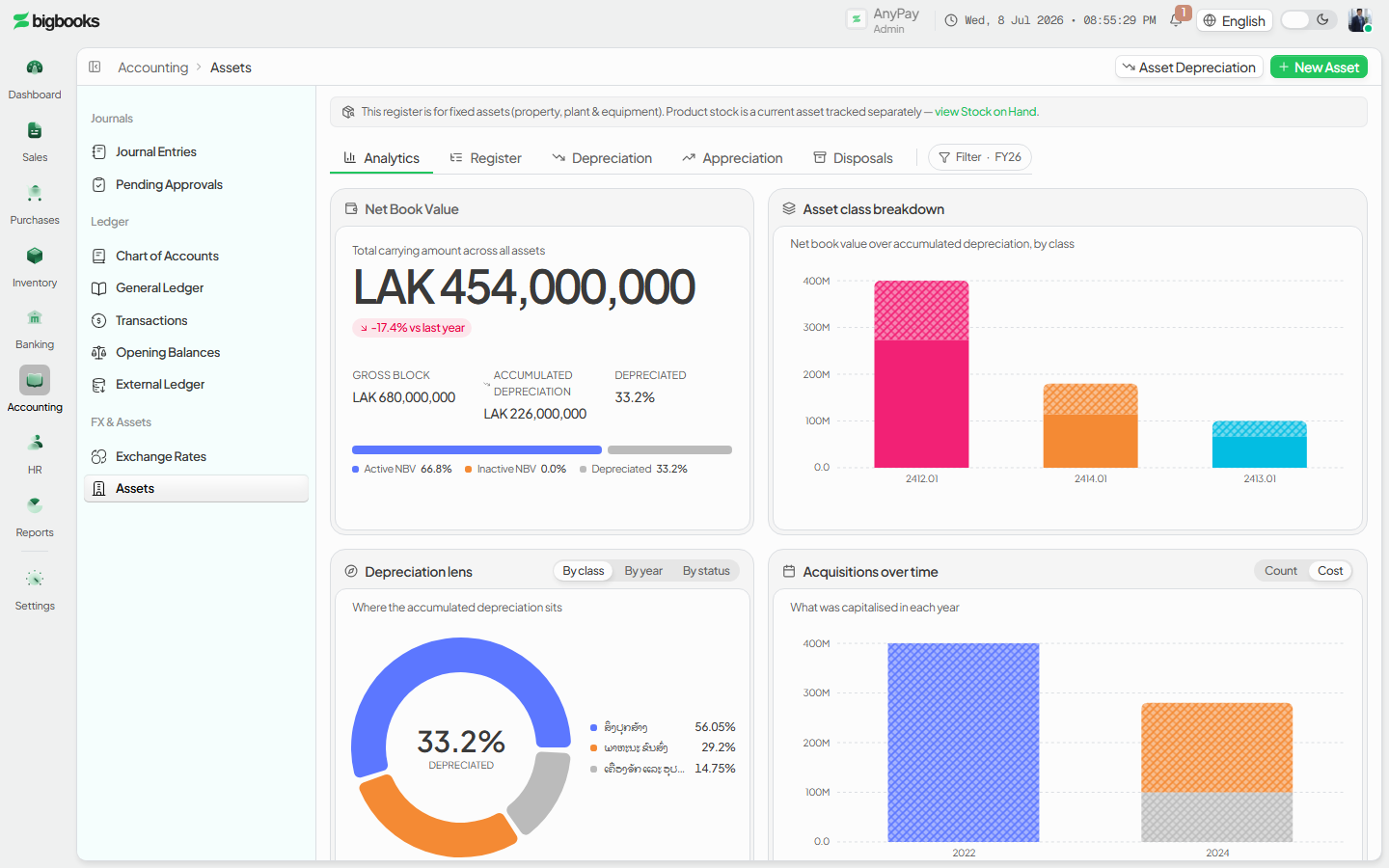
Open the Depreciation tab (the old /[lang]/assets/depreciation route redirects here). The Run depreciation card has a month picker (capped to the previous month) and a run button; the KPI strip shows total assets, total book value, monthly depreciation expense, and total appreciation, with a per-method breakdown and a table of depreciating assets.
Approve the draft journal vouchers Running depreciation creates one draft journal voucher per asset, listed in the Pending depreciation JVs card with reference, period, and amount. Approve (or reject) each, or post them in bulk. Only approved JVs reach the ledger.
What happens behind the scenes
Registering an asset (createAsset in assets/mutations.ts) records it in the register and creates a draft purchase journal voucher. Running monthly depreciation (runMonthlyDepreciation in assets/depreciation.ts) computes each asset's charge — straight-line as (cost − salvage) ÷ useful life with a final-month true-up, or declining-balance on the book value — and calls assets/autoPosting.ts to create the depreciation journal voucher. That voucher is created with draft status and approvalRequired: true: it debits the depreciation-expense account and credits the matching accumulated-depreciation (contra) account, always in LAK at rate 1 since this is a non-cash internal entry. Land, investments, and assets with method "none" are skipped. The expense is recognised only once the draft is approved (confirmed) into the ledger.
| Account | Debit | Credit |
|---|---|---|
| Depreciation expense (681 / 682 / 683 / 685 by asset class) | Monthly Depreciation | - |
| Accumulated depreciation — contra (142 / 2841 / 2842 / 2843 by asset class) | - | Monthly Depreciation |
Common problems
- Drafts left unapproved: Depreciation JVs sit as drafts until posted, so the expense is missing from the P&L — clear the Pending depreciation JVs card for the period.
- No charge for an asset: Land, investments, and assets set to method "none" never depreciate; fully depreciated assets stop at their salvage floor.
- Re-running a month: Running depreciation for a month already processed is idempotent — it does not duplicate the charge (already-processed assets are skipped).
- Future month blocked: The month picker (and the server) only allow months that have already ended, so you cannot depreciate a period in advance.
- Permissions: Registering an asset or running depreciation needs admin, account-manager, or accountant rights; without JV-posting rights you can register an asset but cannot post its depreciation.
Inventory: Warehouses, Lots & Adjustments
As an operator, you will manage stock locations, trace serial/batch lots, and review and post stock adjustments — so on-hand quantities and inventory value stay accurate and every adjustment hits the general ledger deliberately.
Employees
As an operator or admin, you will create and maintain employee master records — personal and employment details plus base pay — and set the allowances and deductions that the monthly payroll run reads.