

Pay Suppliers & Recurring Payables
As an operator, you will be able to pay a supplier and set up a recurring payable that drafts itself each cycle, so that regular costs like rent and subscriptions are never missed and each posting is reviewed before it hits the GL.
What you'll accomplish
As an Operator, you will be able to pay a supplier and set up a recurring payable that drafts itself each cycle, so that regular costs like rent and subscriptions are never missed and each posting is reviewed before it hits the GL.
Before you start
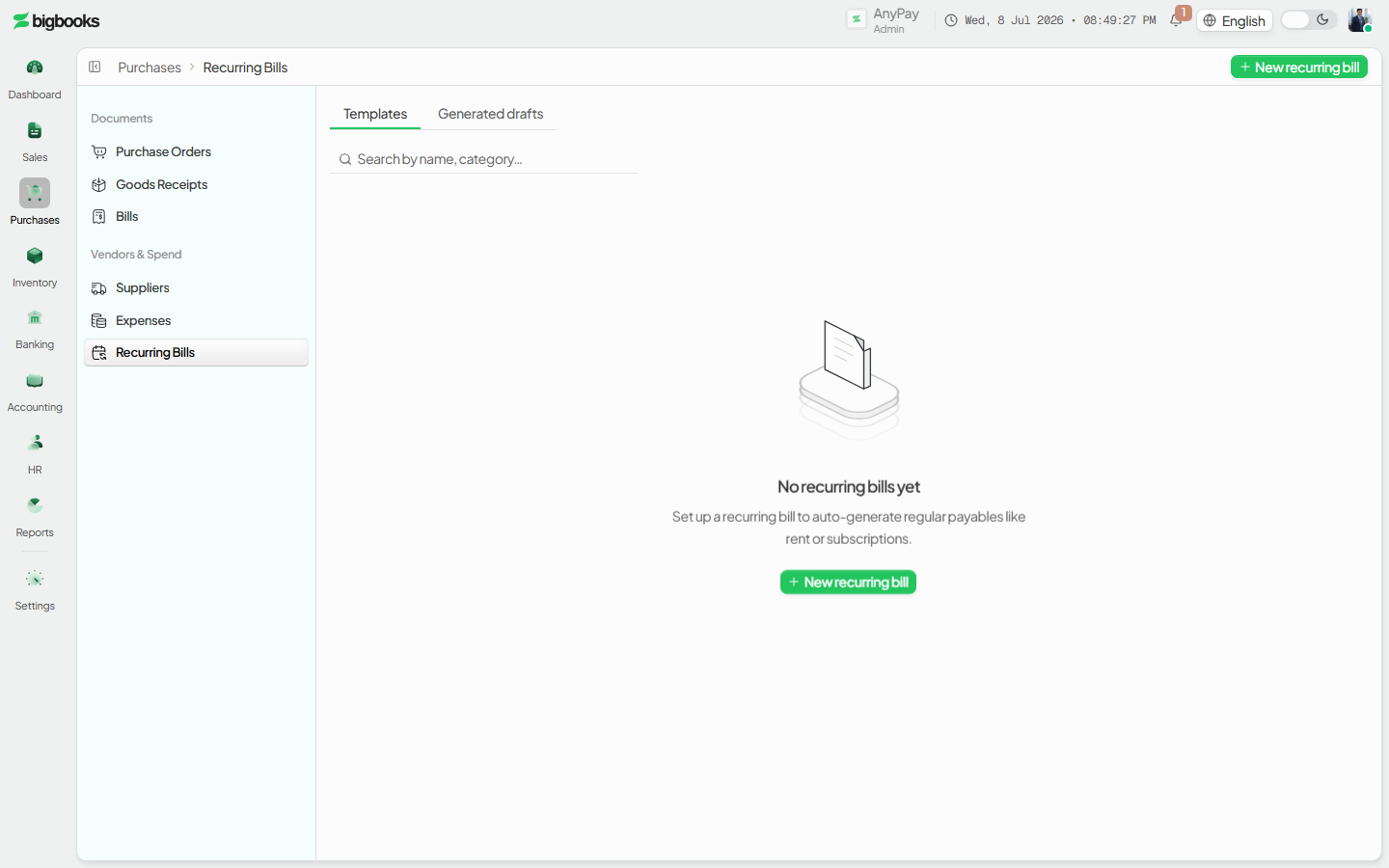
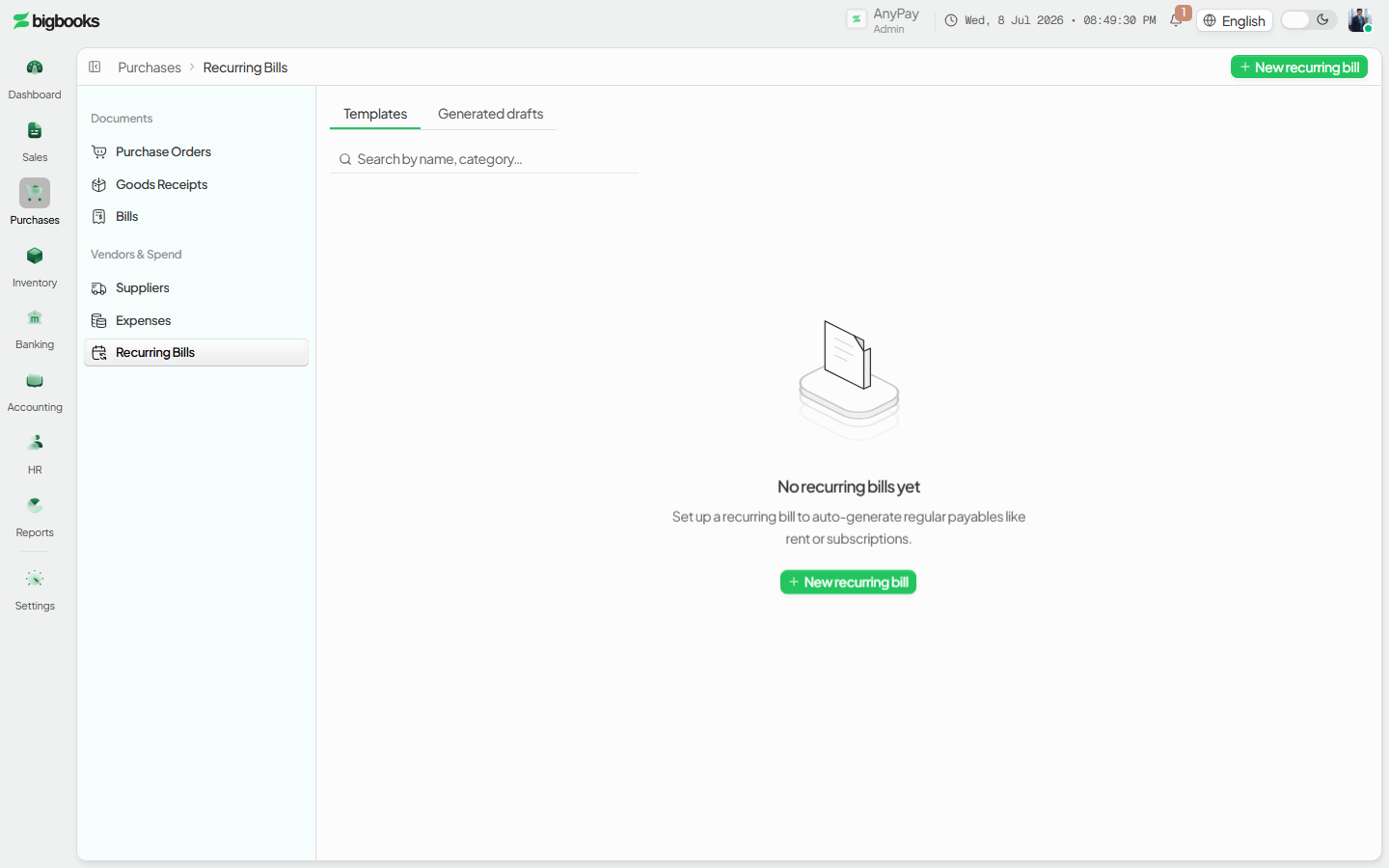
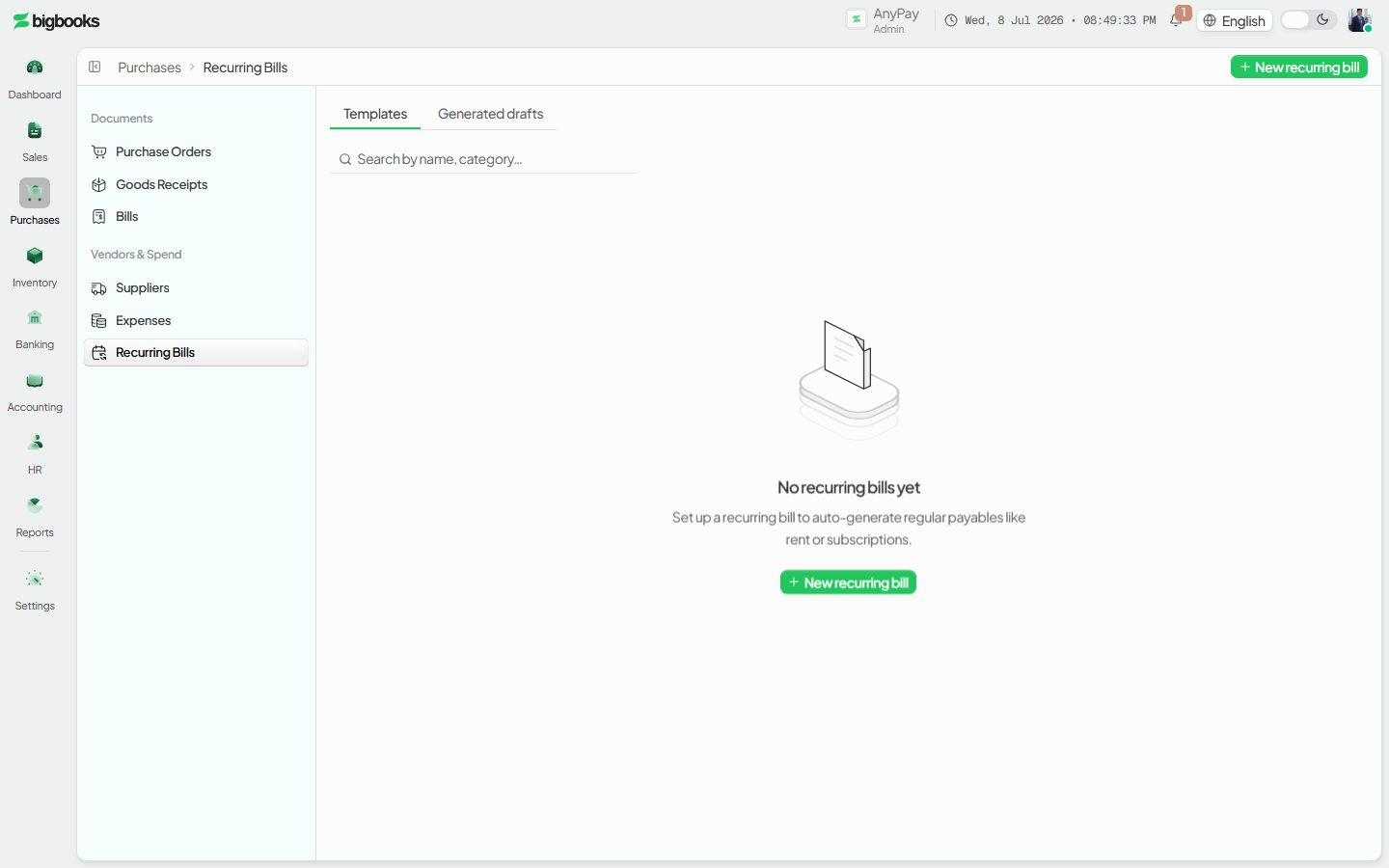
Payments at /[lang]/payments settle outstanding supplier balances, while /[lang]/expenses/recurring defines payables that repeat on a schedule. Both are classic list screens (a stats strip over a filterable table, with an illustrated empty state on first run). A recurring rule drafts both a draft expense and a draft journal voucher each cycle rather than posting automatically, so the operator stays in control.
Compliance Note
Amounts are integer satang in LAK; nothing hits the GL until the operator approves the cycle's draft, keeping the audit trail clean for MoF 2020.
Steps
Pay a supplier
Open the /[lang]/payments page, select the bill(s) with an open supplier balance, choose the bank/cash account, and confirm the payment. The supplier's outstanding balance reduces by the paid amount to the satang.
Set up a recurring payable
Go to /[lang]/expenses/recurring and define the supplier, expense account, amount, VAT treatment, and schedule. A recurring rule is created and the system queues drafts for upcoming cycles.
Review drafts
Review the generated draft expense and draft journal voucher for each cycle on the review screen.
What happens behind the scenes
A confirmed payment settles the payable: it debits the supplier's Accounts Payable and credits the chosen Cash/Bank account, reducing the outstanding balance.
| Account | Debit | Credit |
|---|---|---|
| Accounts Payable | Payment Amount | - |
| Cash / Bank | - | Payment Amount |
For a recurring payable, nothing posts until the operator approves the cycle's draft. On approval the draft expense's journal posts:
| Account | Debit | Credit |
|---|---|---|
| Expense Account | Net Amount | - |
| Input VAT | VAT Amount | - |
| Accounts Payable | - | Gross Amount |
Common problems
- Overpayment: Paying more than the outstanding balance is blocked or flagged as overpayment.
- Payment failure: Insufficient or unselected bank/cash account blocks the payment.
- Draft confusion: A pending draft awaiting approval is clearly distinguished from posted entries.
- Recurring history: Editing a recurring rule does not retroactively change already-posted cycles.
- Closed Period: A draft generated into a closed period cannot be approved until reopened.
- Permissions: Operator lacking payment or approval permission sees a restricted state.
Expenses
As an operator, you will be able to record an expense with its attachment and the correct expense and tax accounts, so that the cost lands in the right GL account with a verifiable document and recoverable input VAT for MoF 2020 filing.
Purchase to Goods Receipt
As an operator, you will be able to raise a purchase order and record goods receipt against it, so that the commitment is tracked and stock plus a payable accrual are recognised at the moment goods arrive — ready for the supplier invoice to match against.