

Opening Balances Wizard
As an operator, you will record the company's starting balances — cash, receivables, inventory, payables, and equity — through a guided, self-balancing wizard (or an Excel/CSV import) so the ledger opens from a correct, balanced position.
What you'll accomplish
As an Operator, you will record the company's starting balances — cash, receivables, inventory, payables, and equity — through a guided, self-balancing wizard (or an Excel/CSV import) so the ledger opens from a correct, balanced position.
Before you start
Opening balances live at /[lang]/opening-balances — a plain card-based page (not the master-detail record view): a list of existing opening-balance batches, a Guided wizard card, and an Import from Excel or CSV card with a downloadable template. The wizard itself is at /[lang]/opening-balances/wizard.
Access is permission-gated, not role-gated: the list page requires journal view/create/confirm permissions, and the wizard requires Create Journals to enter and Confirm Journals to post — so admins and accountants typically qualify, a view-only role does not. All amounts are entered in a major unit but stored as integer satang (1 LAK = 100 satang), and the wizard steps follow the Lao Chart of Accounts code ranges.
Compliance Note
A batch stays a draft with no GL effect until you post it. Posting writes a balanced, posted opening-balance journal entry (one per currency), so the opening position is auditable and MoF 2020-clean from day one.
Steps
Open the Opening Balances page
Go to /[lang]/opening-balances. Review any existing batches, then choose the Guided wizard or the Import from Excel or CSV card. For an import, download the pre-filled template first so your codes match the chart of accounts.
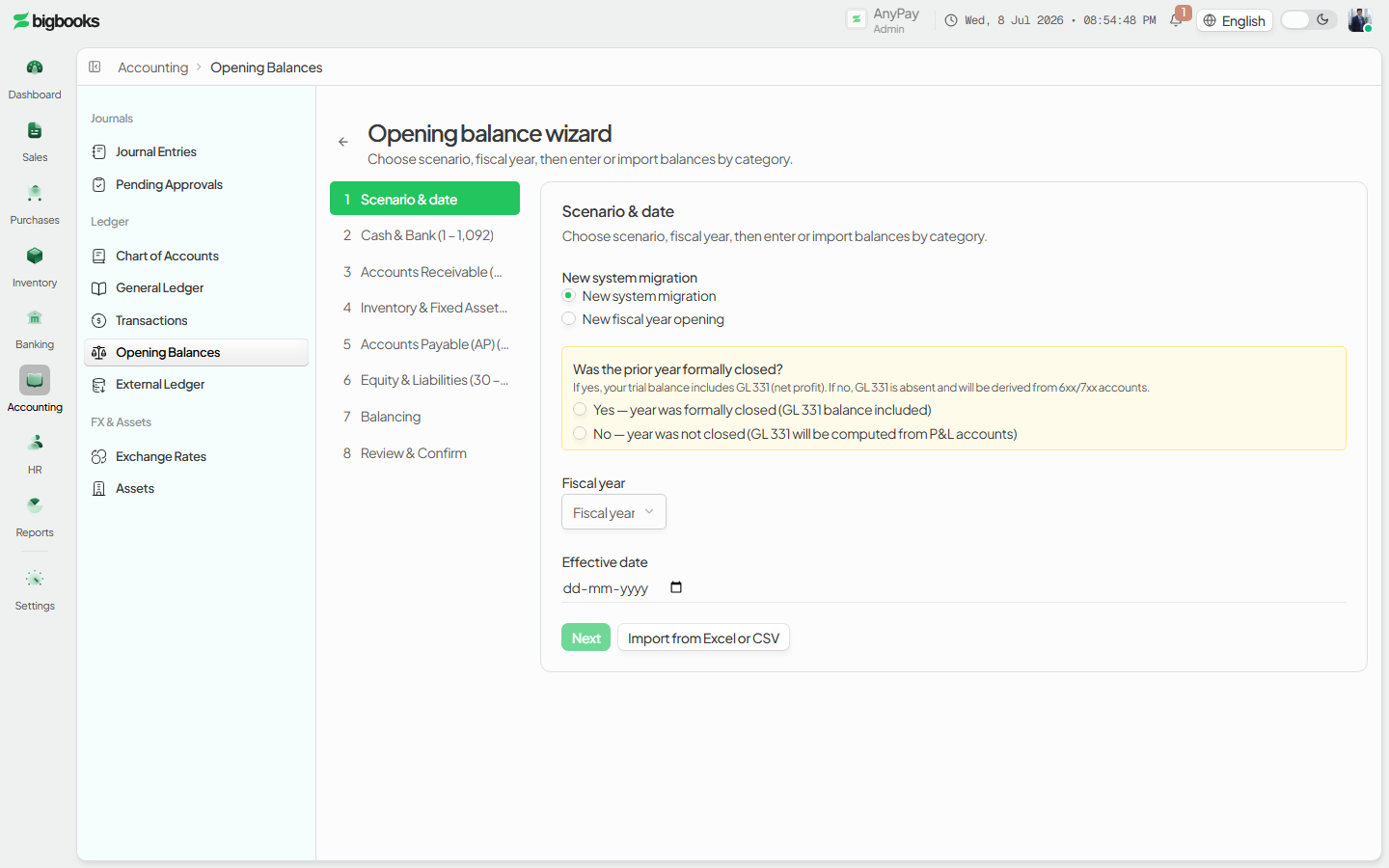
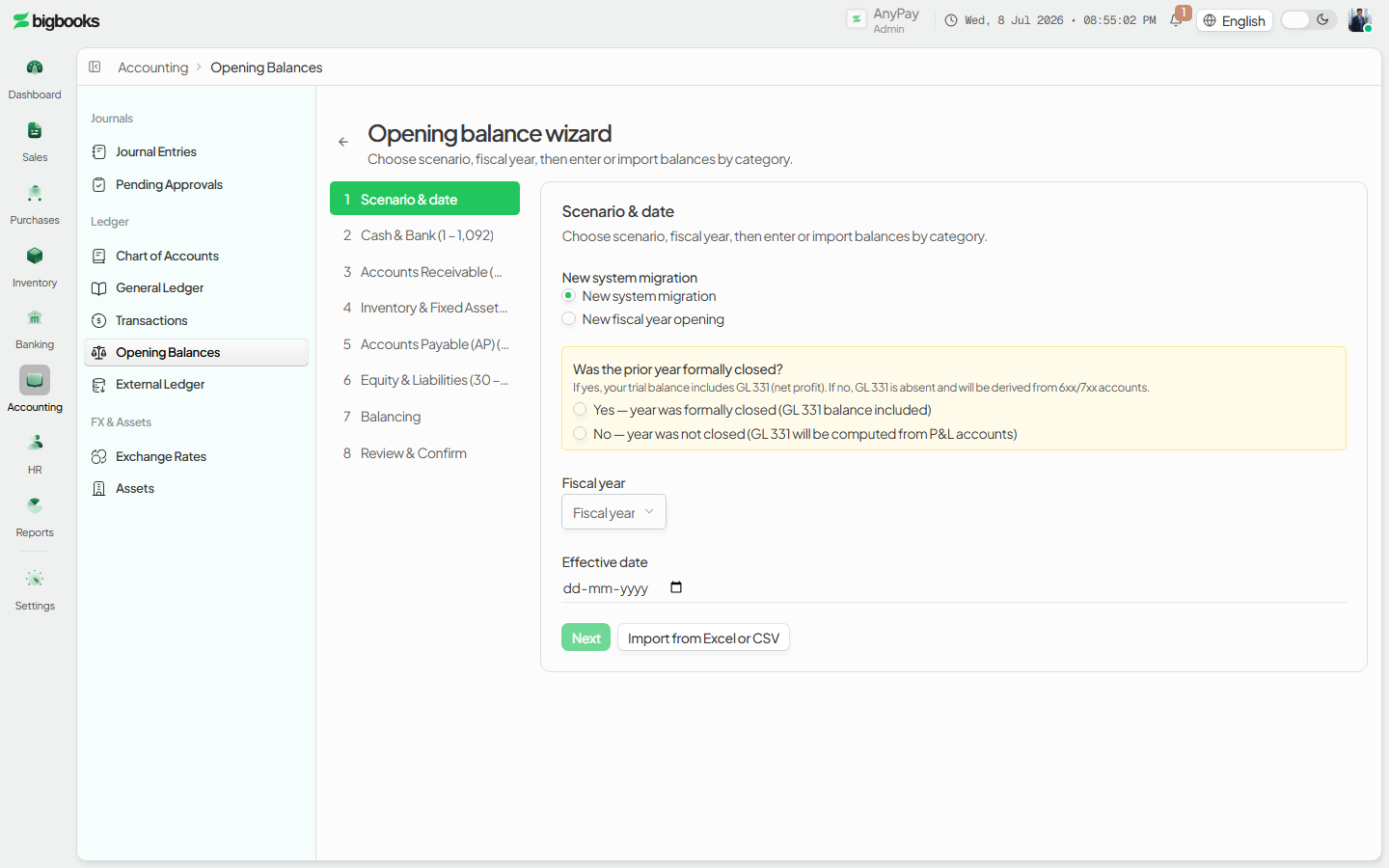
Pick the scenario Click Start opening balance wizard. On the first step choose the scenario — a first-time setup, a migration from another system, or a roll-forward from a prior year — and the fiscal year. This creates the draft batch.
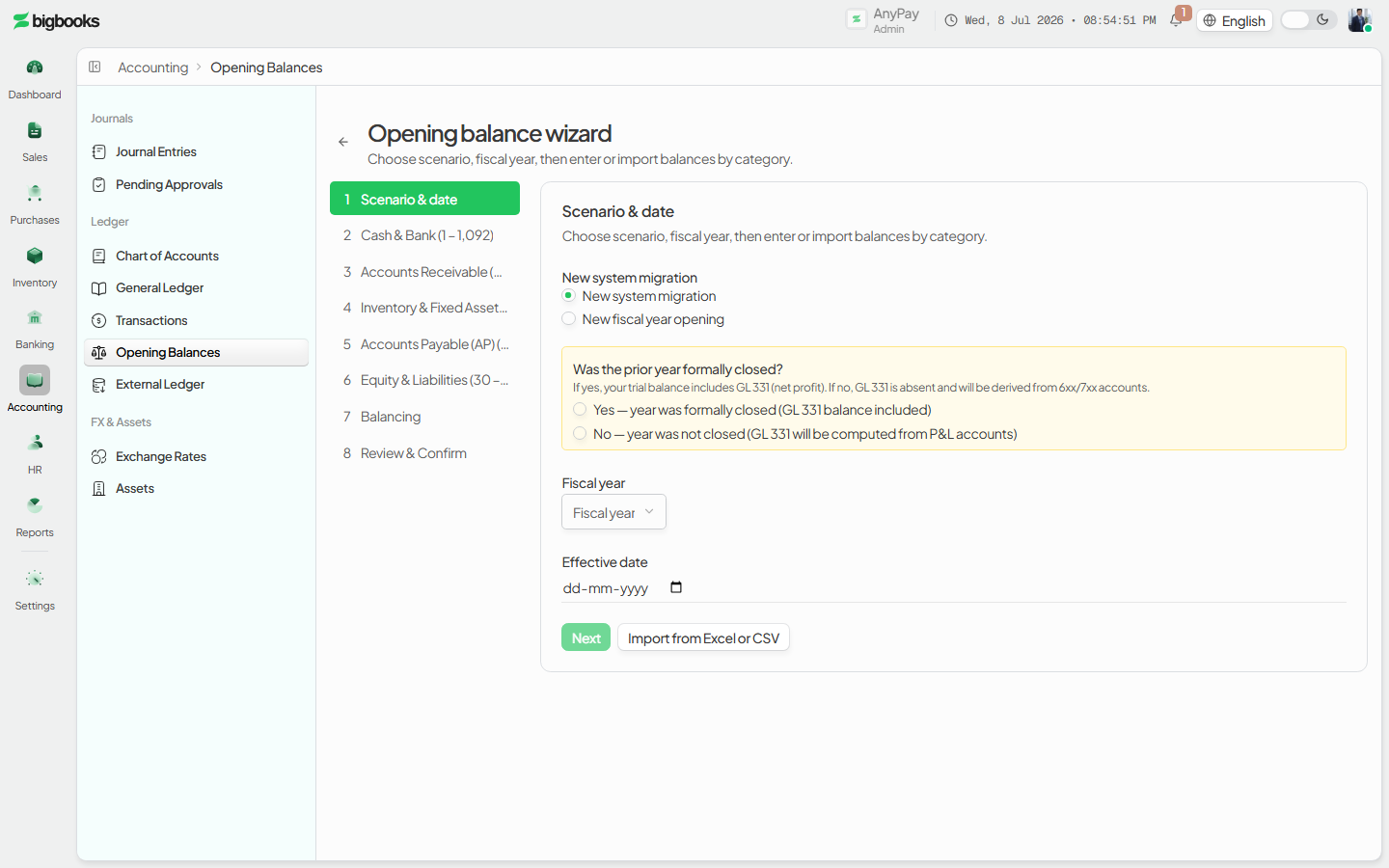
Enter balances by category Work through the category steps in ledger order — Cash & Bank → Receivables (AR) → Inventory → Payables (AP) → Equity & Liabilities — entering each account's opening amount. A live balance bar shows the running debit/credit totals and whether the batch balances; each step lists the chart-of-accounts code range it covers.
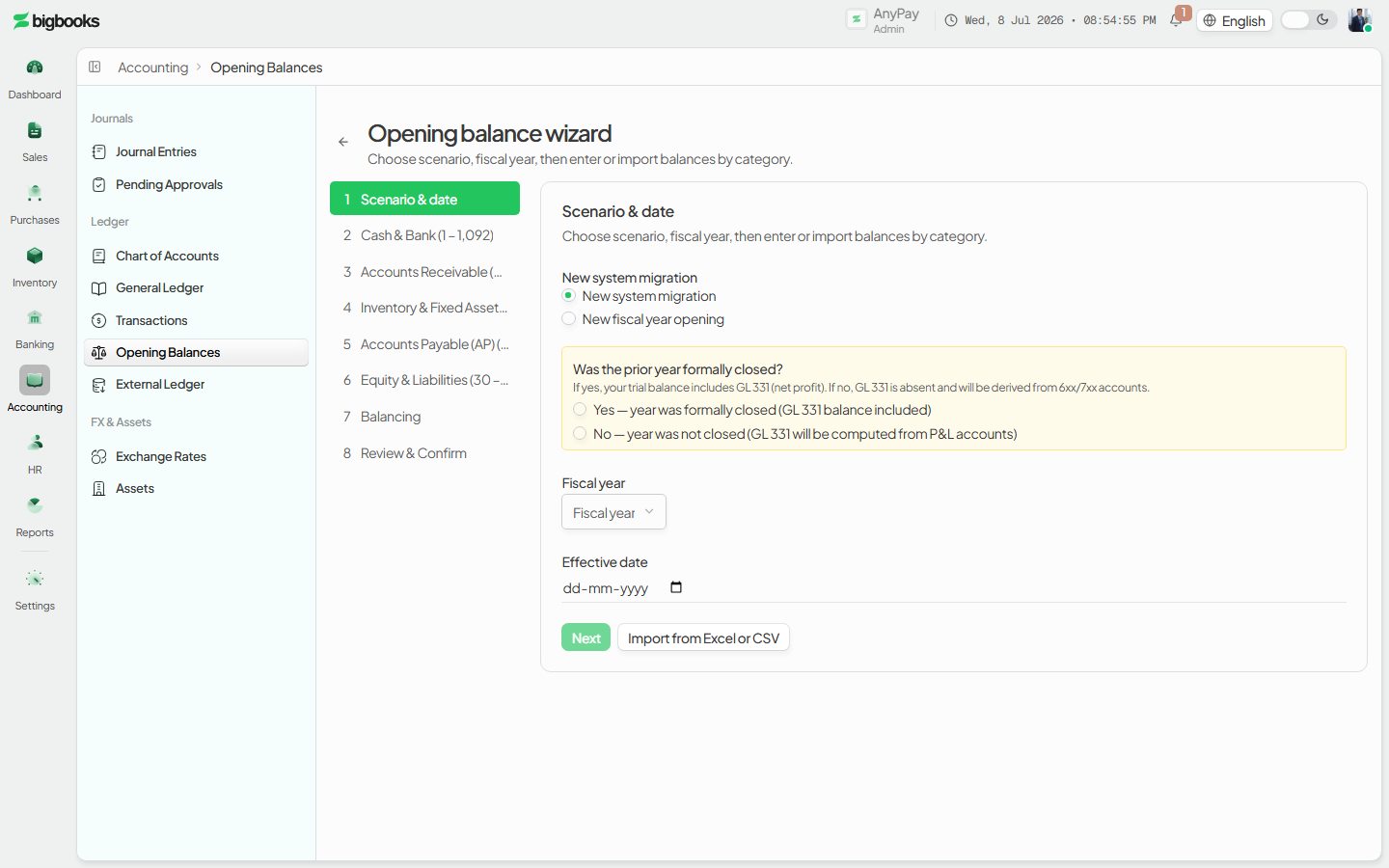
Balance and review On the balancing step the wizard helps you resolve any difference (typically against retained earnings) until debits equal credits, then the review step summarizes every line before posting.
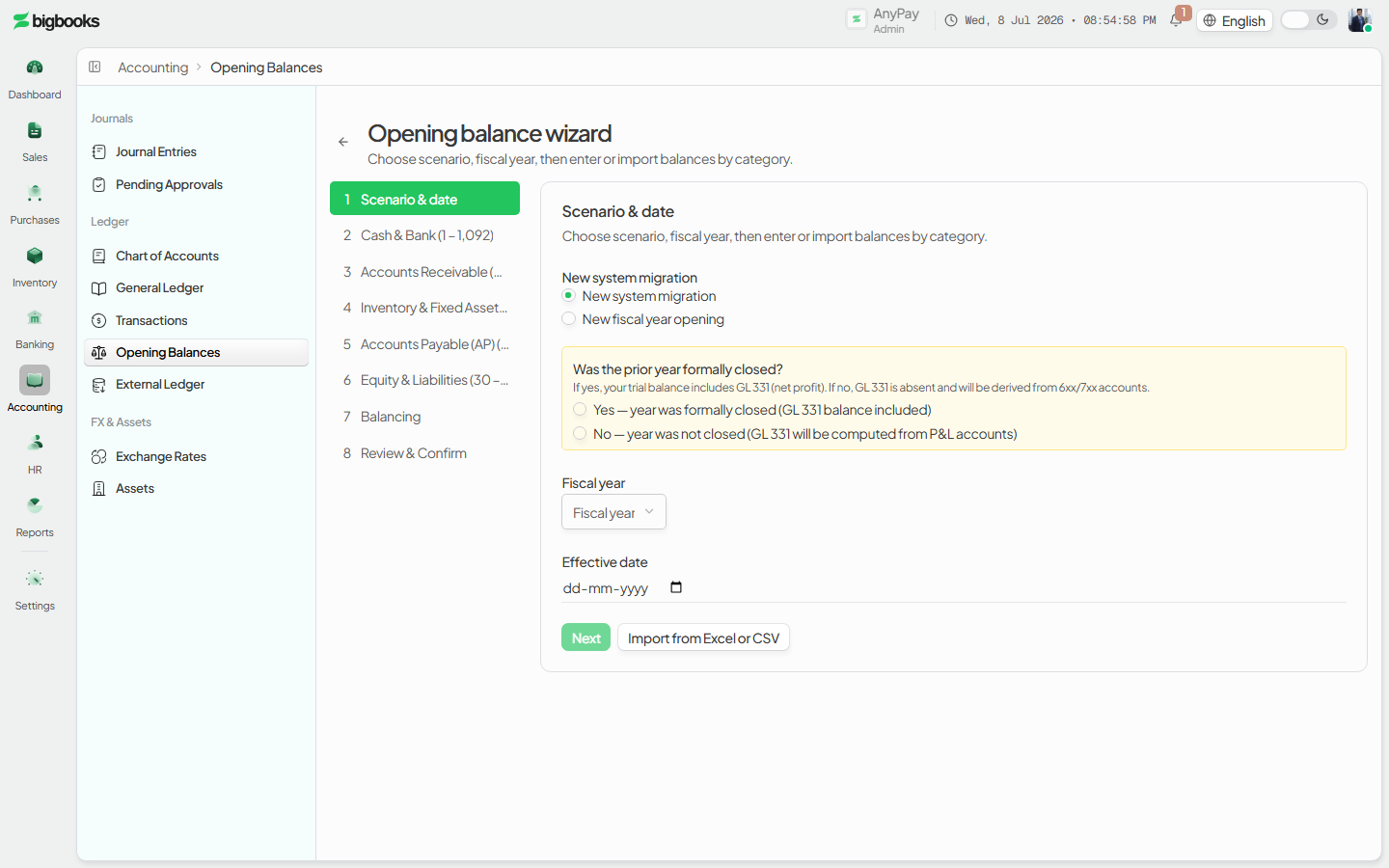
Post the batch Press Post. With the Confirm Journals permission, the draft is posted and becomes the opening-balance journal entry; without it the wizard shows an access-denied panel.
What happens behind the scenes
The wizard creates and edits a draft on the openingBalanceBatches table — createDraft (or createDraftFromRollForward) and updateDraft in openingBalanceBatches/mutations.ts — while openingBalanceBatches/queries.ts (getBatchWithLines, getOpeningBalanceAccounts, getRetainedEarningsAccount, getRollForwardPreconditions) feeds the steps and the balance check. Post (post) requires canConfirmJournals, validates that each currency balances, and inserts one journalEntries document per currency with sourceType: "opening_balance" and status: "posted", its lines summing debit = credit in satang. The post is blocked when retained-earnings accounts conflict (the GL 331/339 guard), so the opening position cannot be posted into an inconsistent equity state. Because the scenario supports roll-forward, the same flow closes one year's balances into the next year's opening batch.
| Account | Debit | Credit |
|---|---|---|
| Cash, Bank, AR, Inventory (asset opening balances) | Debit total | - |
| AP, Liabilities, Equity / Retained Earnings | - | Credit total |
Common problems
- No permission: Without Create Journals the wizard won't open; without Confirm Journals you can build the draft but Post is denied.
- Out of balance: Debits must equal credits per currency before the batch can post — use the balancing step to clear the difference.
- No company selected: The page waits on an active company; pick one in the workspace switcher first.
- Retained-earnings conflict: Posting is blocked if conflicting retained-earnings accounts (GL 331/339) are both present.
- Codes don't match on import: Use the downloaded template so each row's account code exists and is active in your chart of accounts.
- Editing after posting: A posted batch is no longer a draft; correct it with a journal adjustment rather than re-posting.
Data Migration Wizard
As an admin, you will stand up a brand-new tenant by running one tracked migration batch that imports the chart of accounts, the opening trial balance, and the fixed-asset register, then commits them together so the company goes live with a balanced, auditable ledger.
Users, Roles & Permissions
As an admin, you will add the people on your team to the tenant — by invitation or as internal users — give each one a role, and review or fine-tune what every role is allowed to do from the permission matrix.