

Create a Tax Invoice
As an operator, you will issue a VAT-compliant tax invoice — the legal document of record — with VAT and any DTTDF levy shown explicitly and posted to the ledger when you issue it.
What you'll accomplish
As an Operator, you will issue a VAT-compliant tax invoice — the legal document of record — with VAT and any DTTDF levy shown explicitly and posted to the ledger when you issue it.
Before you start
The tax invoice is the same document surface as a standard invoice (/[lang]/tax-invoices), but issued tax invoices carry the seller's TIN, a sequential tax-invoice number, and a VAT breakdown on the official PDF template (invoices/taxInvoicePDF.ts). Issuing has prerequisites — company TIN, tax configuration, and a numbering series — surfaced through a readiness-aware EmptyState: when setup is incomplete the first-run screen shows a "Complete setup" checklist rather than the New action. Amounts are integer satang; VAT and DTTDF are computed server-side so the printed document and the GL agree to the satang.
Compliance Note
The issued tax invoice is the document the buyer holds for input VAT and that you file under MoF 2020. Its VAT and DTTDF lines are computed server-side from the snapshotted document totals, so the PDF and the ledger can never drift.
Steps
Open the tax invoices list
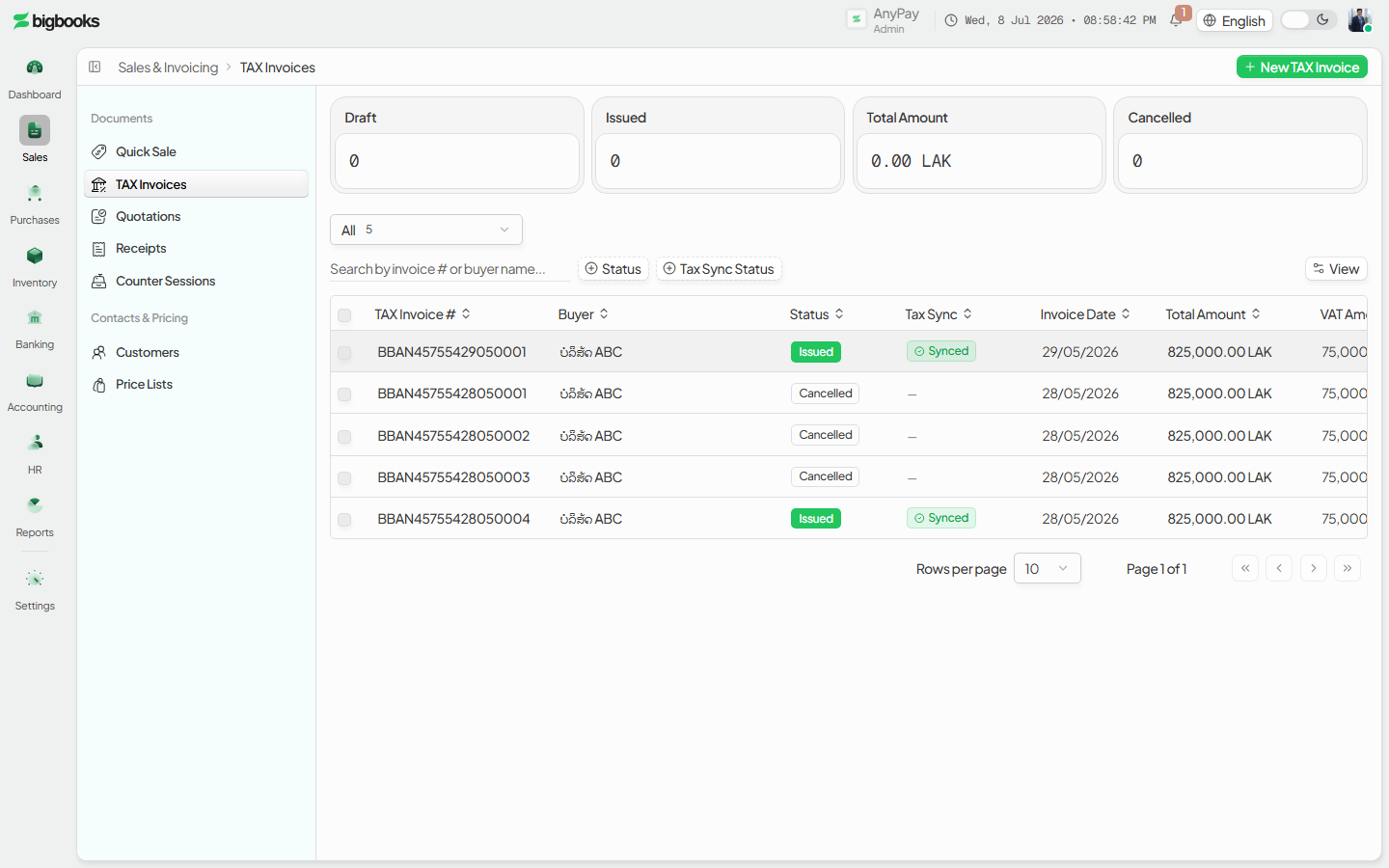
Go to /[lang]/tax-invoices. The breadcrumb (Dashboard › Tax Invoices) and "New tax invoice" action live in the secondary header. Status views (All / Draft / Issued / Cancelled) and the readiness banner sit above the list.
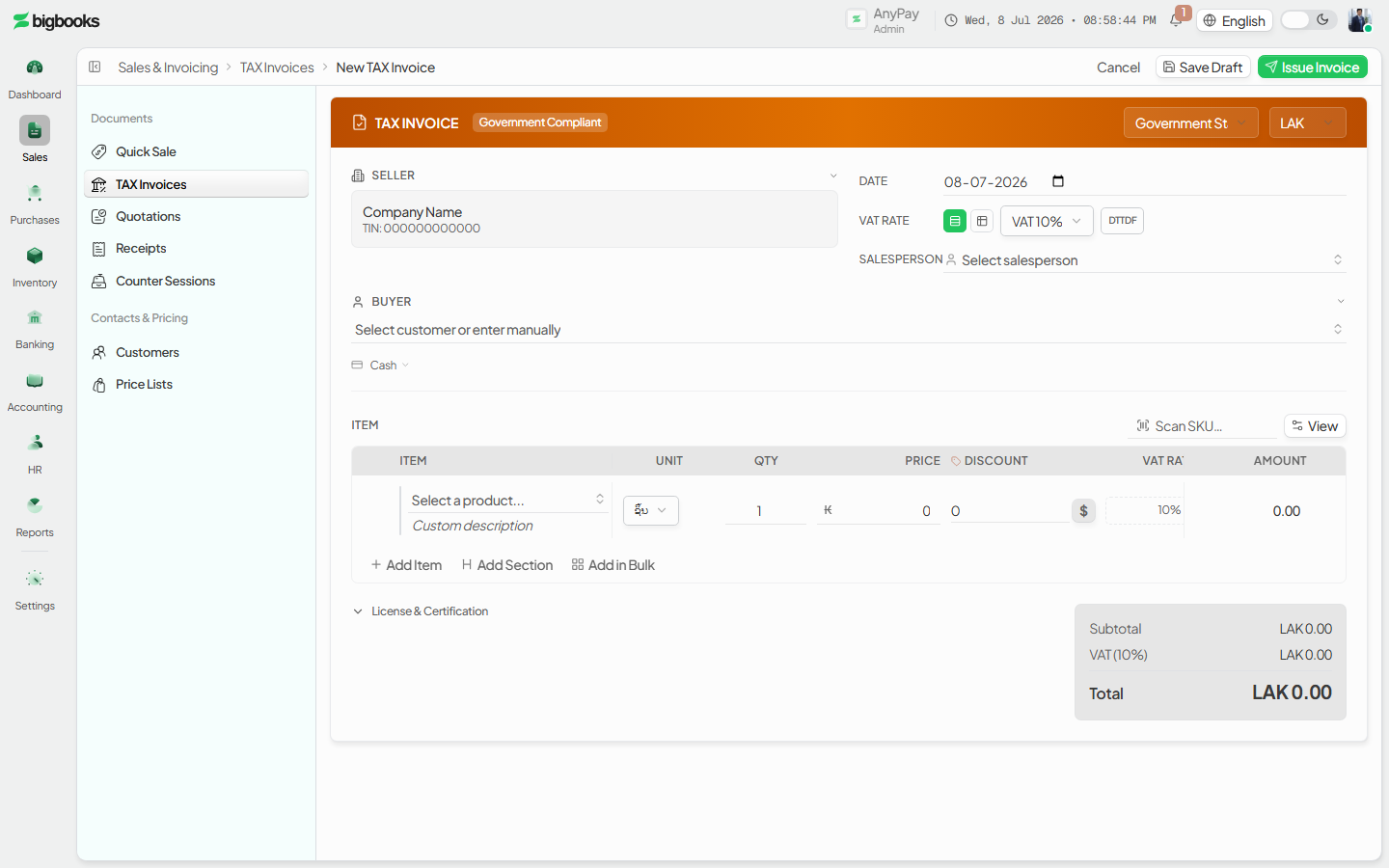
Enter the document and VAT detail Click New tax invoice, select the registered customer, add line items, set the VAT rate, and flag any DTTDF-applicable goods. The live preview shows the VAT-compliant layout with the TIN and VAT breakdown.
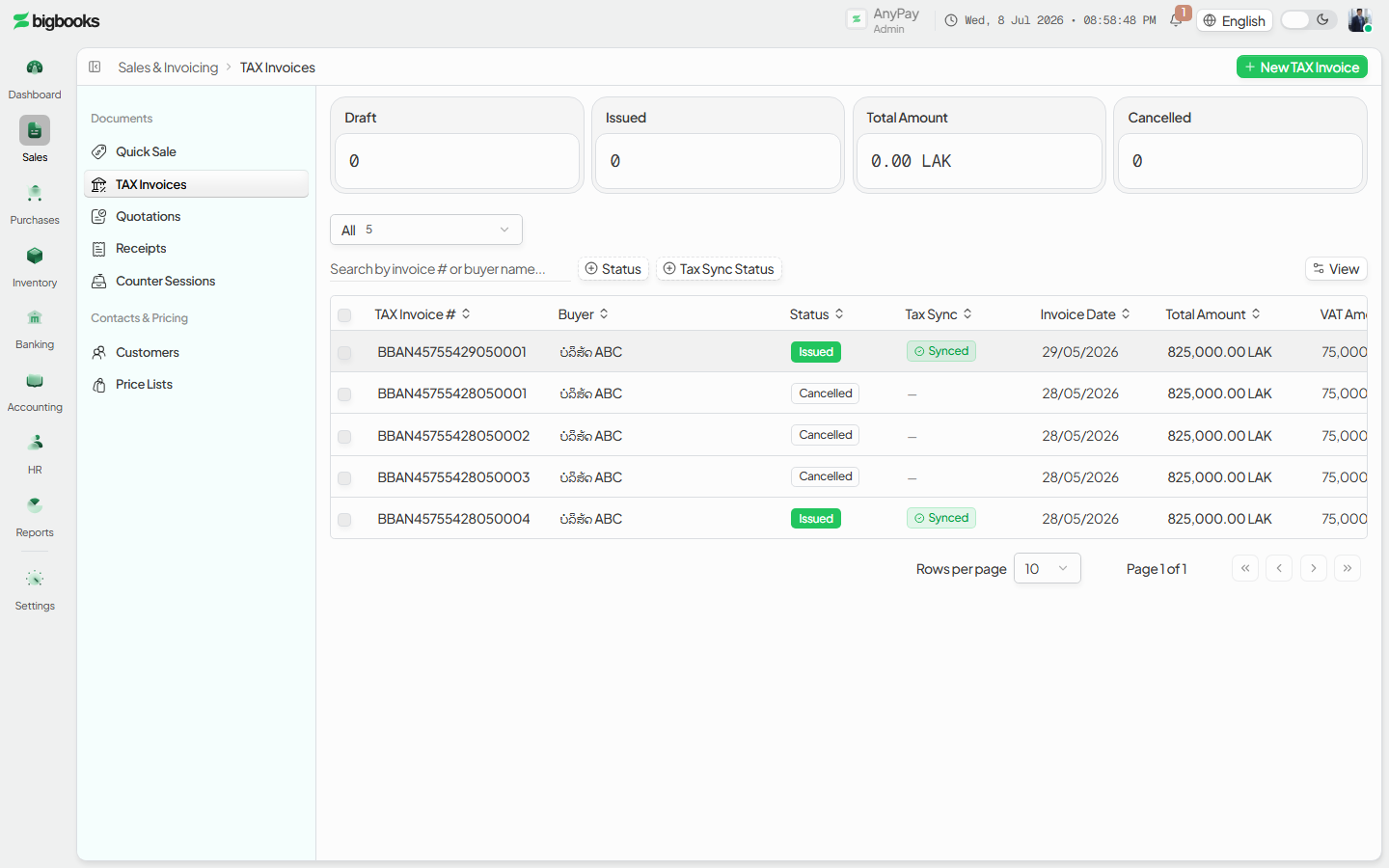
Save the draft, then open it Saving creates a draft tax invoice with a sequential number. Click its row to open the tabbed detail panel; the Document tab is the default and shows the official PDF when available, falling back to the in-app render otherwise.
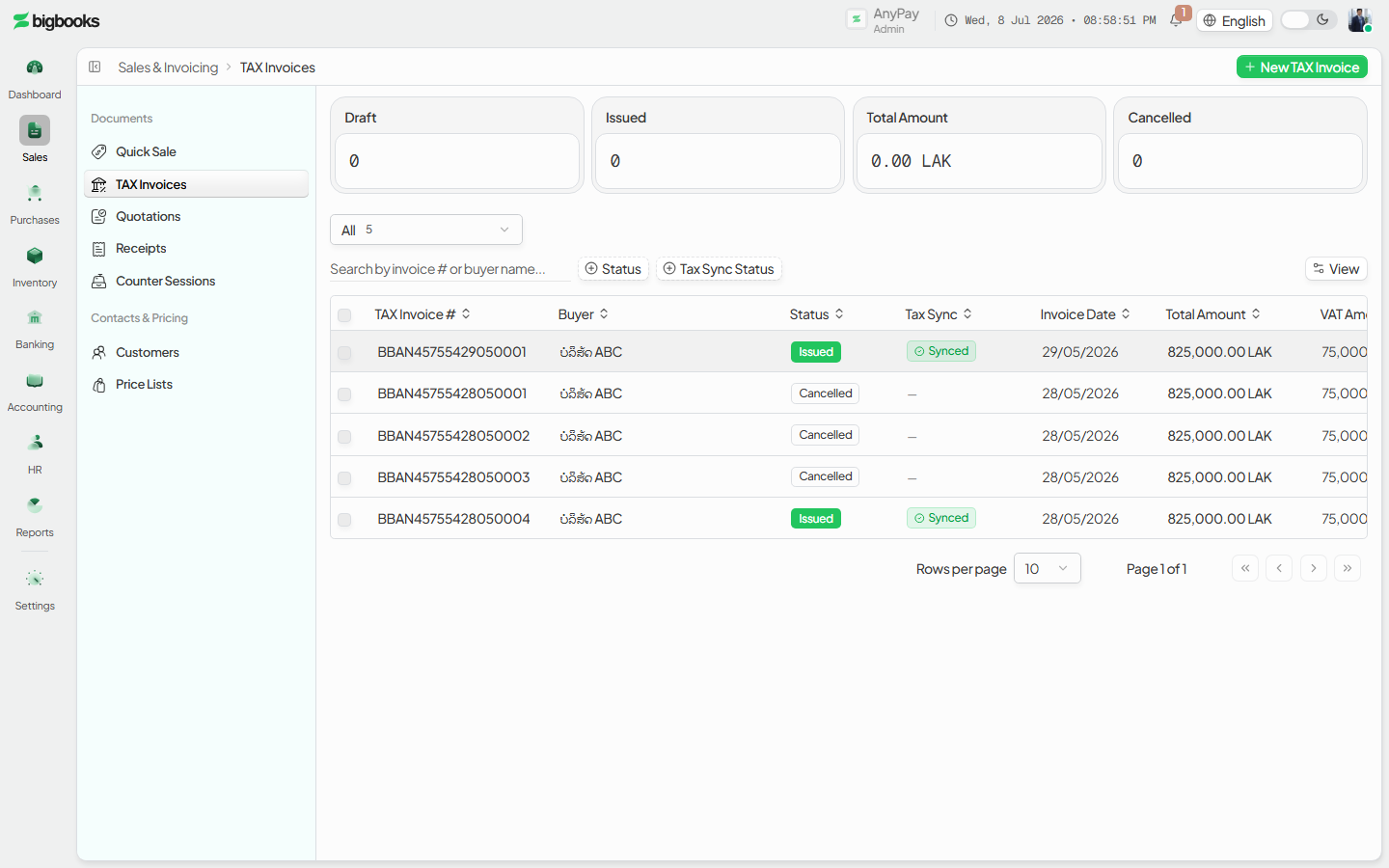
Issue the tax invoice Press Issue in the detail header. The document moves to issued, the official PDF becomes the record, and the GL entry posts with VAT (and DTTDF) separated.
What happens behind the scenes
A tax invoice posts the same balanced posted entry as any invoice (createTaxInvoiceJournalEntry, using buildTaxInvoiceJournalLines): the total is debited to Cash-on-hand (CASH buyer) or Accounts Receivable (TRANSFER buyer), revenue is credited per line at its net base, VAT output is credited to the tax-output account (default 433), and any DTTDF is credited to its own payable account (default 434). Everything is satang and balances by construction. The distinction from a plain invoice is documentary: the issued tax invoice renders the official VAT template and is the filing record. A non-LAK tax invoice snapshots its exchangeRate onto the journal entry.
| Account | Debit | Credit |
|---|---|---|
| Accounts Receivable (or Cash on CASH sale) | Total | - |
| Revenue (per line, net base) | - | Net Amount |
| VAT Output (tax-output, default 433) | - | VAT Amount |
| DTTDF Payable (default 434, when applicable) | - | DTTDF Amount |
Common problems
- Missing TIN: A company without a TIN cannot produce a compliant tax invoice — the readiness EmptyState flags this.
- Setup incomplete: Missing tax config or numbering shows the "Complete setup" checklist instead of the New action.
- Preview won't render: The Document tab gates the official PDF on sync availability and falls back to the studio template; required header fields must be present.
- Closed period / missing FX: Issuing into a closed period, or a non-LAK document without a rate, is blocked.
- Permissions: Without
canCreateInvoicesthe New action and issue control are hidden.
Create an Invoice
As an operator, you will create a customer sales document — line items, currency, and tax — that saves as a draft and then posts to the general ledger the moment you issue it.
Quick Sale
As an operator, you will ring up a fast cash-and-carry sale, issue an instant receipt, and have the cash and revenue post immediately — tagged to your counter session so the shift reconciles.