

Dual-Currency Display
As an admin, you will turn on a secondary-currency display so documents show an approximate USD or THB amount beside the LAK figure — without changing a single ledger value.
What you'll accomplish
As an Admin, you will turn on a secondary-currency display so documents show an approximate USD or THB amount beside the LAK figure — without changing a single ledger value.
Before you start
Dual-currency display is a per-company setting toggled in /[lang]/settings. It is purely presentational: LAK (stored as integer satang) stays the only amount that posts. The setting stores just two things — whether it is on, and the secondary currency (USD or THB) — via setDualCurrencyDisplay, which merge-patches only that sub-field and leaves all other company settings untouched. The approximate secondary figure is derived from the company's exchange rate at display time; it is labelled "approximate / for reference" and appears nowhere in any journal entry.
Compliance Note
This is a label, not a ledger value. Enabling, changing, or disabling dual-currency display has zero effect on AR, revenue, VAT, or any posted entry — the books remain LAK-only for MoF 2020.
Steps
Open company settings
Go to /[lang]/settings as an admin with settings access and find the dual-currency display option.
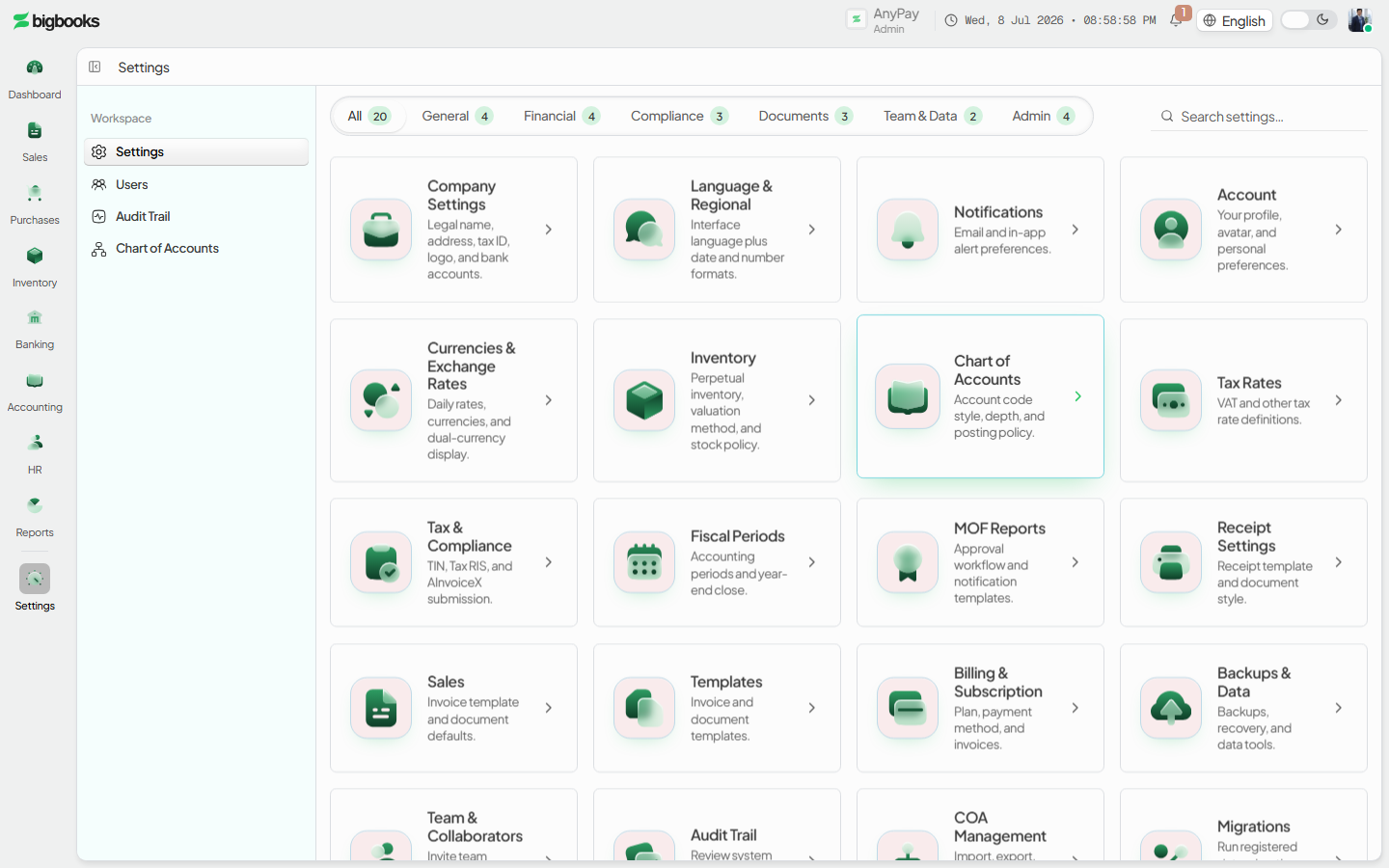
Enable and pick the secondary currency
Turn the toggle on and choose USD or THB. The setting is saved immediately via setDualCurrencyDisplay, scoped to this company only.
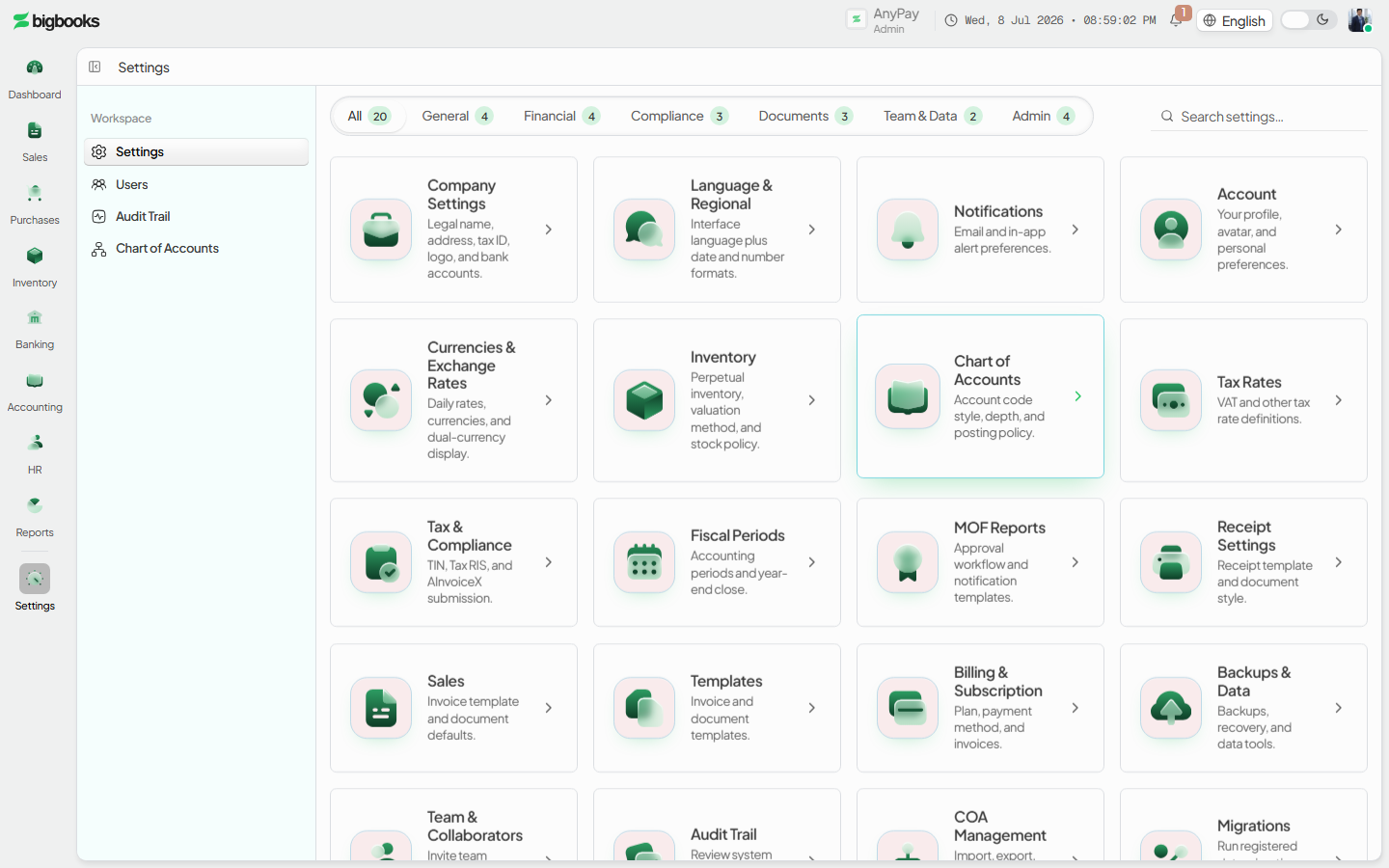
See it on documents Open an invoice or receipt: the LAK base amount now shows the approximate secondary amount beside it, marked as a reference figure.
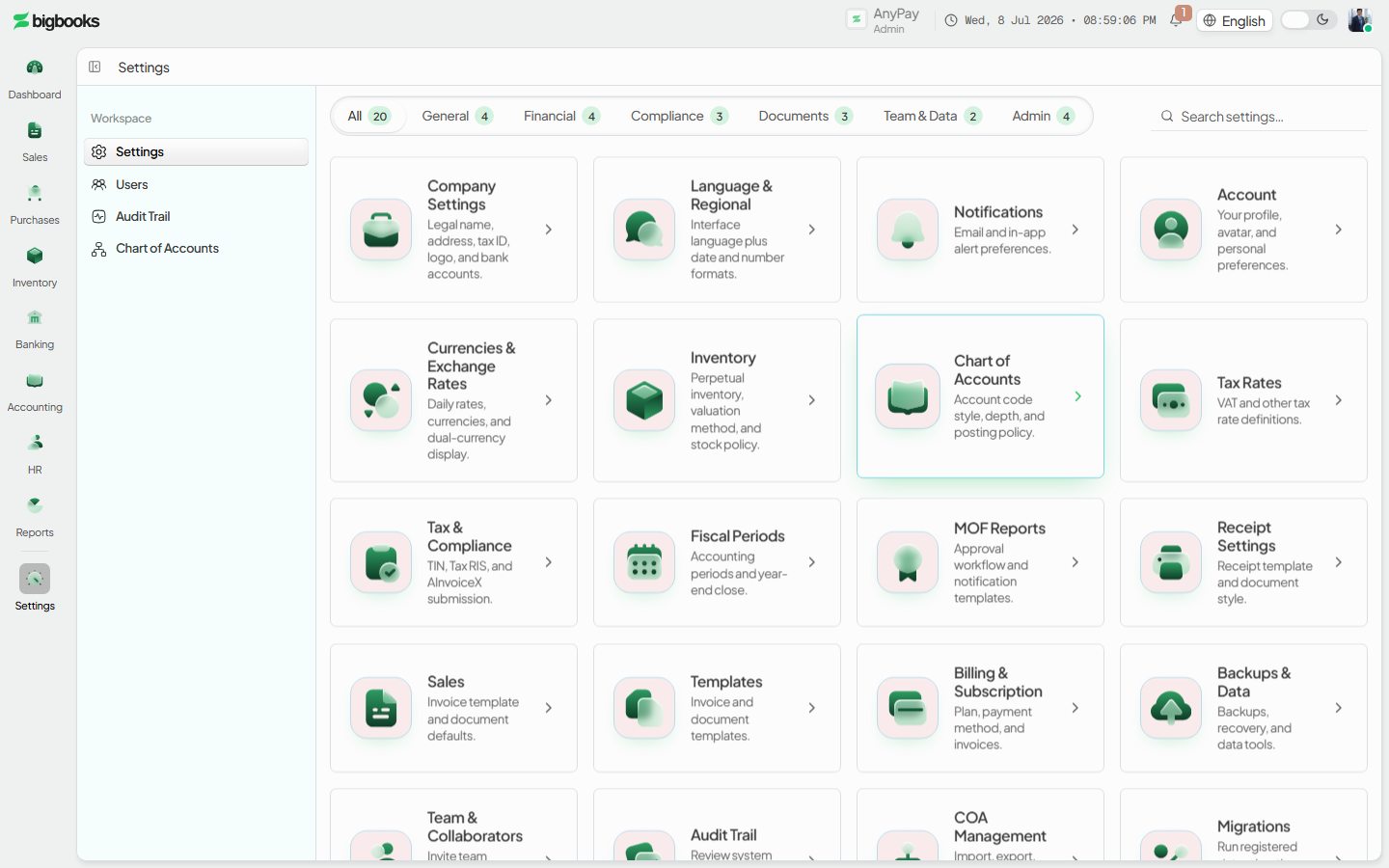
What happens behind the scenes
There is no GL effect. setDualCurrencyDisplay writes { enabled, secondaryCurrency } into the company's settings and nothing else. Every posting stays in LAK satang; the secondary amount is computed for display from the exchange rate and never enters journalEntries or journalEntryLines. Turning the setting off simply stops rendering the second figure — historical documents and their postings are unchanged.
Common problems
- No rate available: If there is no exchange rate for the secondary currency, the approximate figure cannot render — the value falls back to LAK-only.
- Per-company scope: Enabling it for one company never affects another tenant.
- Permissions: Operators without settings access see the toggle as read-only.
- Same currency: The secondary currency must differ from the LAK base.
- Expecting a ledger change: It is display-only — do not expect reports or the GL to change.
Quotation to Invoice
As an operator, you will raise a quotation, move it through its lifecycle, and convert an accepted one into a draft tax invoice — so agreed prices flow straight into a receivable without re-keying, and revenue is recognised only once the invoice is issued.
Apply a Payment to an Invoice
As an operator, you will record cash received from a customer and apply it to their open invoices, so Accounts Receivable clears for the amount paid and a receipt is issued automatically.